

You’ve hit your search limit
Start your free trial to keep exploring full traffic and performance insights.
Get StartedAnálisis de la app TTReader - Text Reader, OCR para 10 de enero

TTReader - Text Reader, OCR
- HYEONJOON HONG
- App Store de Apple
- Gratis
- Libros
This is a text viewer application optimized for TTS.
It can be used on various mobile devices and can be viewed continuously between devices.
It has a built-in function to convert image, epub, and PDF document files to text documents.
Support tts filter function.
You can change or remove special characters and unwanted content. Filters that are generally used are supported by default.
Supports detailed TTS settings.
The TTS speed is supported up to 5 times, and it can be set to read 1 to 10 lines instead of reading one line at a time.
You can synchronize the reading position on various devices through drive linkage.
Supported features:
TTS related
- Play background TTS
- TTS filter function (provides dozens of basic filters for general users to use easily)
- TTS section repeat function
- TTS timer function
- Ability to read multiple lines at once
- TTS stop function during phone call
- Ability to scroll through TTS while playing and view the contents in front and back.
text
- Text editing
- Text batch editing
- Ability to combine multiple text files into one.
- Newline cleanup function for files with strange newlines
- OCR (Image Text Extraction)
- Real-time OCR (extract text in real time using camera)
- Dozens of batch editing patterns provided for easy batch editing after OCR processing.
- Extract EPUB text
- Extract PDF text
- Convert to EPUB image
- Convert to PDF image
UI function
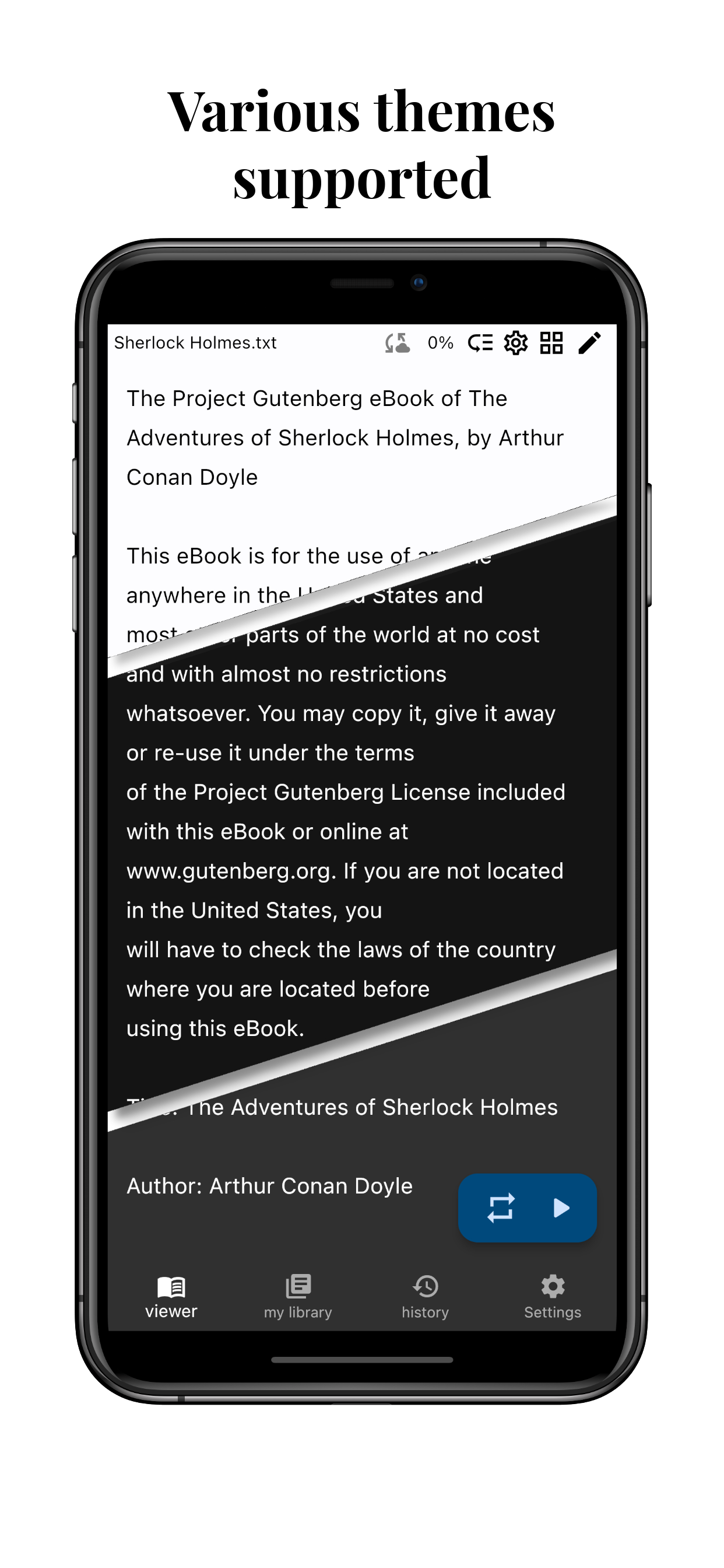
- Light, dark, black theme support
- 108 Korean free fonts
- 799 foreign free fonts
- 65 background images
- Scroll speed function (reduce finger fatigue by scrolling a lot even if you scroll a little)
- Multiple setting functions such as font size, color, and spacing
- Highlight, bookmark display color setting function.
- Margin setting function
- screen orientation setting function
- Two-page view function (pad)
special function
- Bookmark function
- Location backup/recovery function.
- Settings, history, filter backup recovery function.
- File upload/download function.
- Touch area setting function
- External device (pen, Bluetooth controller) button setting function
- History interlocking function (even if the file name is different, you can continue viewing the file you have been viewing)
- Memo function
- You can add files by linking with several cloud apps.
* standard Apple Terms of Use (EULA)
https://www.apple.com/legal/internet-services/itunes/dev/stdeula/
* privacy policy
https://raw.githubusercontent.com/khjde1207/opentextviewdatas/refs/heads/main/playstore/PrivacyStatement_IOS_en.html
Clasificación de tiendas
El Store Rank se basa en múltiples parámetros establecidos por Google y Apple.
Todas las categorías en
Estados Unidos--
Libros en
Estados Unidos--
Principales competidores & aplicaciones alternativas
Aplicaciones con una alta probabilidad de ser utilizadas por los mismos usuarios, desde la misma tienda.

TecViewer - Text Viewer

Text Viewer - txt file viewer

Komi Reader - TXT & PDF

EBook Viewer - ePub Novel File
 TTReader - Text Reader, OCR VS.
 enero 10, 2026