

Análisis de la app NetSupport Manager Control para 24 de diciembre

NetSupport Manager Control
- NetSupport Ltd
- App Store de Apple
- Gratis
- Productividad
The NetSupport Manager Control for iOS provides mobile remote control for existing NetSupport Manager remote control users remotely from any iPad, iPhone or iPod.
The mobile Control allows a user to quickly search and connect to both local computers by either IP address or PC name, or to browse, connect and view remote computers utilizing the free NetSupport Manager Internet Gateway component.
The NetSupport Manager Control provides full remote control, chat and message capabilities of any remote PC running an existing NetSupport Manager Client (version 11.04 or later).
KEY FEATURES:
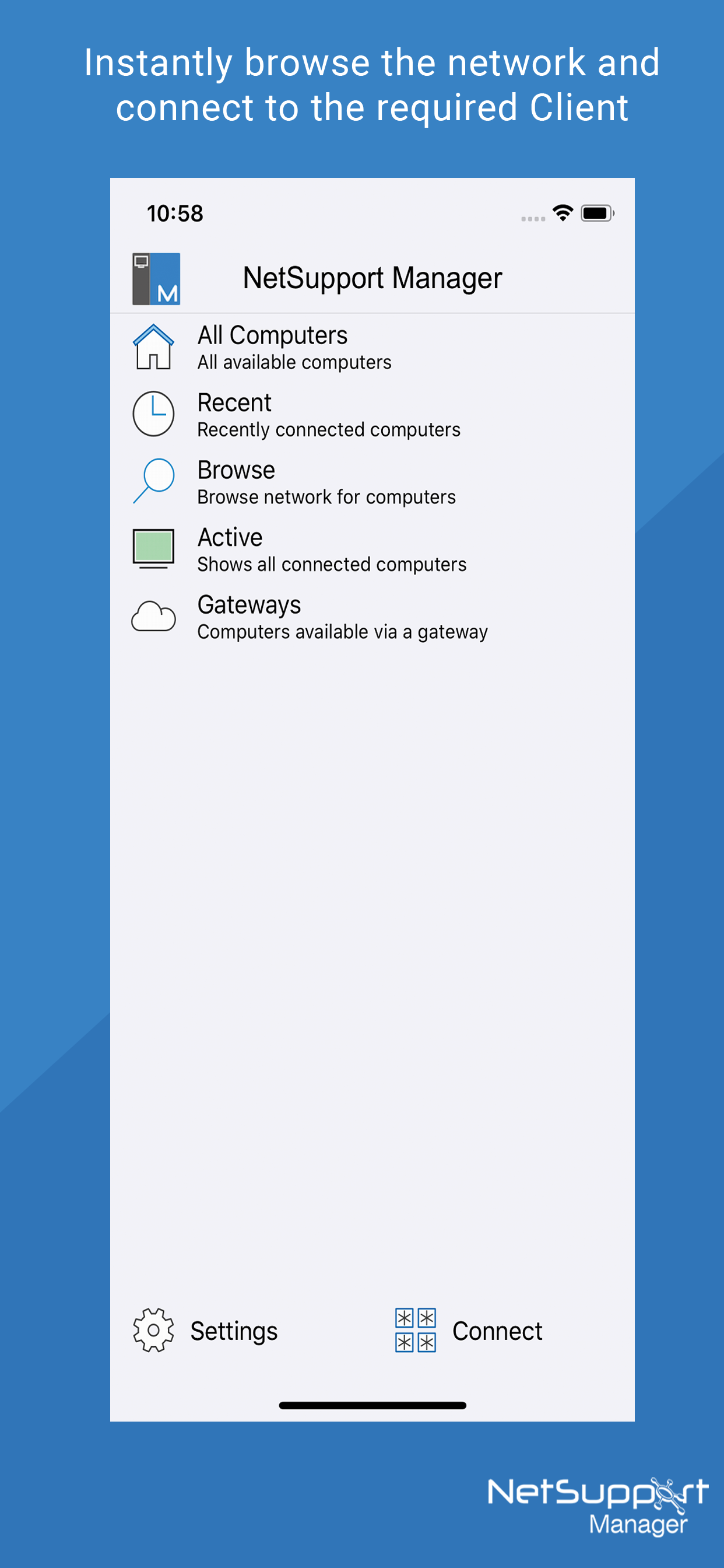
Browse your local network or an established NetSupport Internet Gateway to find remote NetSupport Manager Clients.
PIN Connect feature allows a technician to instantly locate a user anywhere across the enterprise simply by both parties entering a unique PIN code.
Thumbnail view of each connected Client device.
See a list of previously connected Clients for instant ongoing connectivity.
‘Recently Connected’ list provides quick access to the most recently viewed Clients.
Remote Control – Watch (view only), Share (both parties can view and interact) or Control (remote screen and keyboard are locked) any NetSupport Manager-enabled remote PC.
View the remote PC using pinch, pan and zoom to highlight key screen information.
Toggle between ‘touch’ and ‘cursor/mouse pointer’ mode if more accuracy is required when controlling a remote Client machine.
Adjust color depth during remote control sessions from full color, to 256, 16 or just 2 colors when reading remote documents.
Conduct a text chat session with the remote user.
Send a message to the remote user with an optional time-out facility. Ideal for alerting your users of impending server or email maintenance.
Generate a full hardware inventory report for a remote device on demand.
Includes powerful compression to minimize data usage.
Use 64, 128 or 256-bit encryption for each session.
Multi-monitor support.
Utilize unique security keys to ensure your copy of NetSupport Manager is only accessible to your users.
One-click send Ctrl+Alt+Delete for remote login or PC management.
GETTING STARTED
1) Install this free NetSupport Manager Control app on your Apple iOS device.
2) If you are new to NetSupport Manager, you will need to download and install the NetSupport Manager Client software on each of the computers that you want to remote control. Visit the NetSupport Manager website for download instructions.
3) Wirelessly connect your device to the same network as the client computers (or for anywhere access, install the free NetSupport Gateway, designed to support this scenario. Refer to the NetSupport Manager website for help configuring the Gateway).
4) From the NetSupport Manager Control browse and find your Clients.
5) Select a Client and choose to View, Chat or send a Message.
Clasificación de tiendas
El Store Rank se basa en múltiples parámetros establecidos por Google y Apple.
Todas las categorías en
Estados Unidos--
Productividad en
Estados Unidos--
Principales competidores & aplicaciones alternativas
Aplicaciones con una alta probabilidad de ser utilizadas por los mismos usuarios, desde la misma tienda.

Remote Utilities

WebConnect

Thinfinity

Net Monitor for Employees
 NetSupport Manager Control VS.
 24iciembre d, 2025