

You’ve hit your search limit
Start your free trial to keep exploring full traffic and performance insights.
Get StartedAnálisis de la app PDF Converter: PDF Maker para 14 de enero

PDF Converter: PDF Maker
- StarappsLink
- App Store de Apple
- Gratis
- Productividad
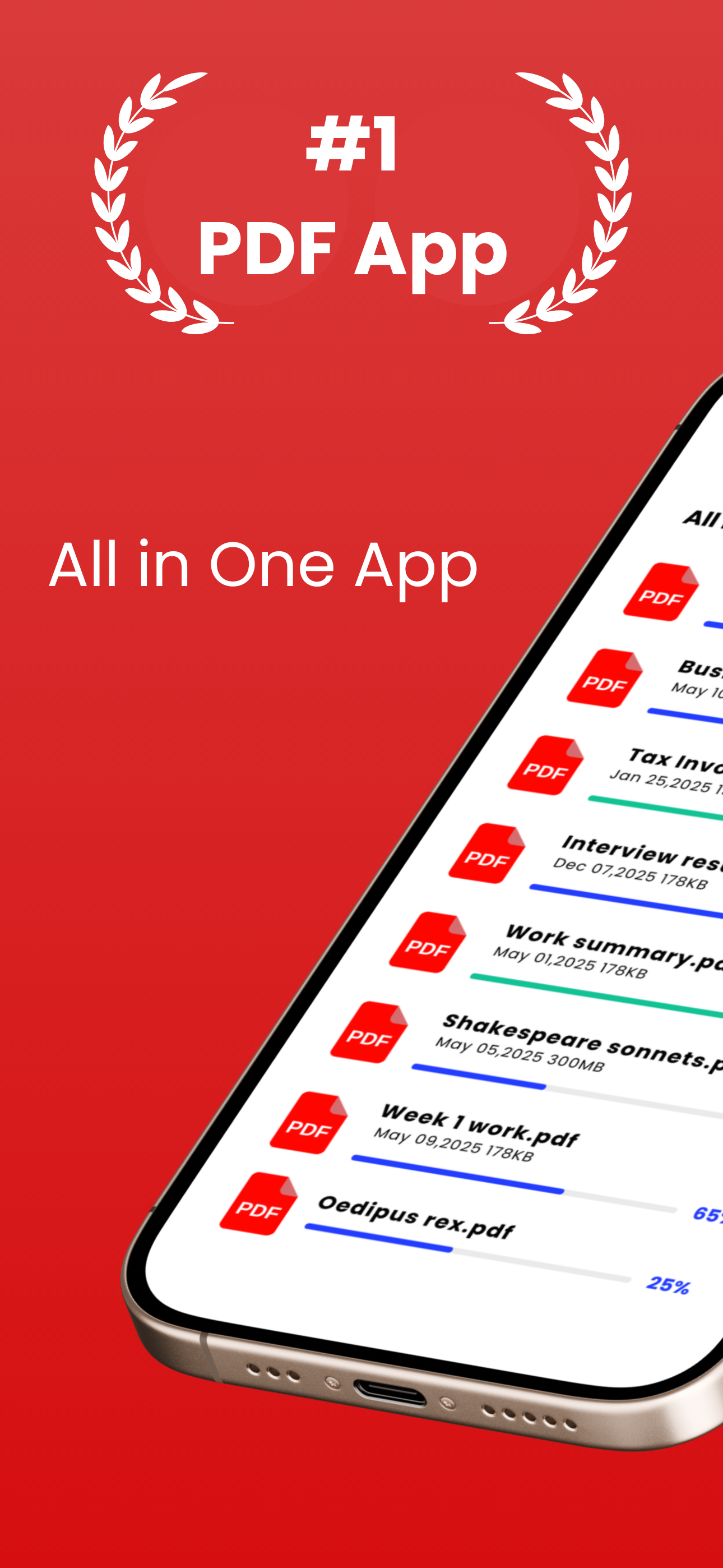
Image Converter to PDF is a versatile and user-friendly app designed to handle all your image management needs. With three essential features, this app simplifies image processing:
Image to PDF Converter: Effortlessly convert any image to high quality PDFs in just a few taps. Whether it's a photo, screenshot, or document, you can quickly create PDF files for easy sharing or storage.
Image Cropper: Refine your images by cropping them to the desired size and aspect ratio. Perfect for trimming unwanted edges or focusing on specific sections of your photos.
Image Compressor: Adjust the size of your images without compromising quality. Compress the photos for social media, emails, or any specific requirements.
With a simple interface, Image Converter to PDF is the ultimate tool for managing your images on iOS.
Simple Conversion Process: Convert images from your device's gallery or snap new photos using the built-in camera directly into PDF format.
Multiple Image Support: Batch convert multiple images at once, saving you time and effort.
Customizable PDF Settings: Adjust the PDF settings such as page size, orientation, and compression to tailor your PDFs to your specific needs.
Organize and Share: Easily manage your converted PDFs within the app. Share them via email, messages, or export to other apps like Dropbox or Google Drive.
Offline Functionality: No internet connection required for converting or viewing PDFs, ensuring your data is secure and accessible anytime, anywhere.
User-Friendly Interface: Intuitive design makes it simple for users of all levels to convert images to PDFs effortlessly.
Secure Your PDFs: Set passwords and encryption to protect sensitive information contained in your PDF documents.
Why Choose this app ?
Efficiency: Save time by converting images into PDFs directly on your iOS device.
All in one App: Image resizer, cropper and image to PDF converter.
Portability: Carry your PDFs with you wherever you go, without the need for a computer.
Versatility: Ideal for students, professionals, and anyone needing to convert images to a more portable and shareable format.
Clasificación de tiendas
El Store Rank se basa en múltiples parámetros establecidos por Google y Apple.
Todas las categorías en
Estados Unidos--
Productividad en
Estados Unidos--
Principales competidores & aplicaciones alternativas
Aplicaciones con una alta probabilidad de ser utilizadas por los mismos usuarios, desde la misma tienda.

PDF Converter: Scan to PDF

Image & Photo PDF Maker
PDF Converter App-PDF to word

Convert Images To Pdf!
 PDF Converter: PDF Maker VS.
 enero 14, 2026