

Analyse de l'application TP-Link Omada pour le 21 décembre

TP-Link Omada
- TP-Link Systems Inc.
- App Store Apple
- Gratuit
- Utilitaires
Omada app is used for configuring and managing your Omada devices. You can change settings, monitor the network status and manage clients, all from the convenience of a smart phone or tablet.
STANDALONE MODE
Standalone mode is designed for managing EAPs or wireless routers right away without having to spend time configuring a controller. Each device is managed separately. This mode is recommended for networks which only have a few EAPs (or wireless routers) and require only basic functions, such as home network.
CONTROLLER MODE
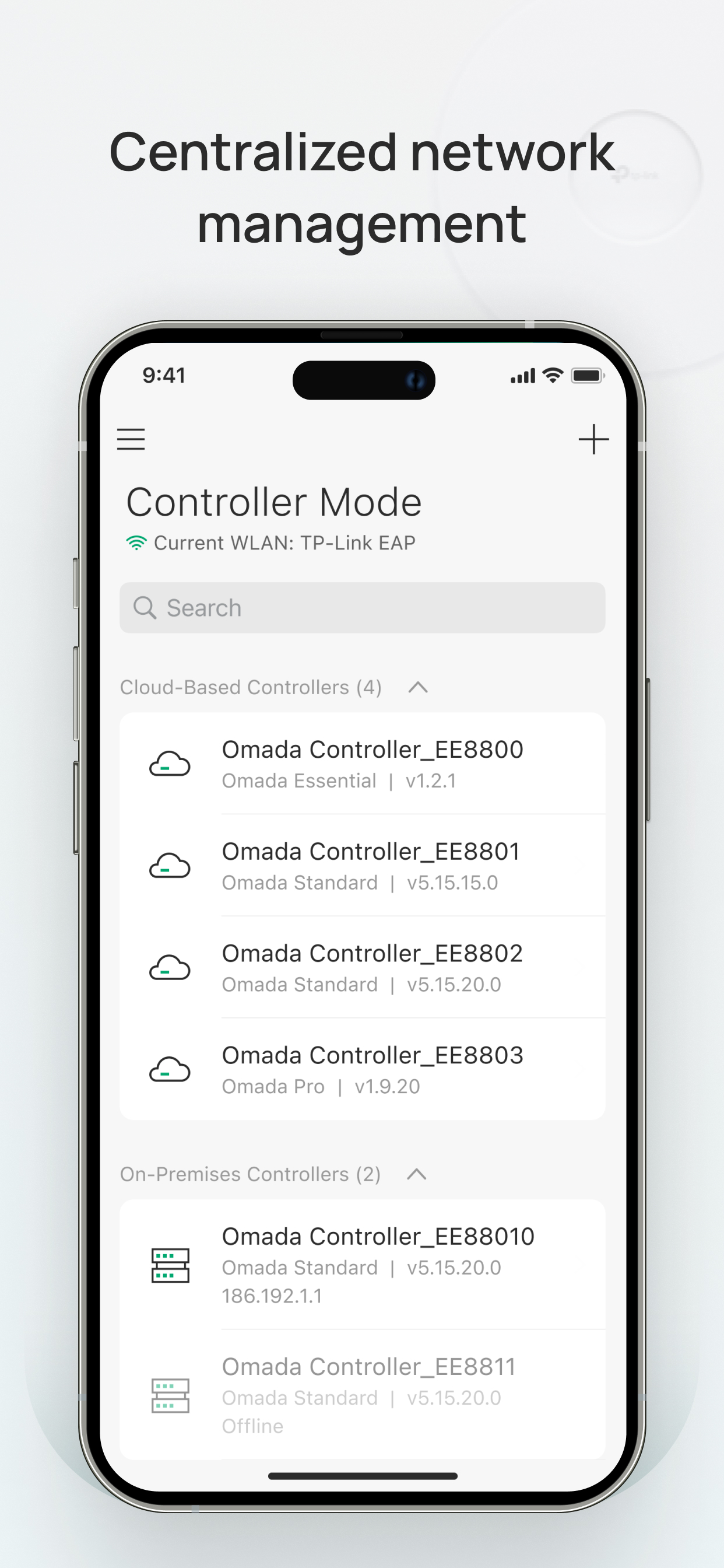
Controller mode works together with a software Omada Controller or a hardware Cloud Controller, and is suitable for managing multiple devices (including gateways, switches and EAPs) centrally. Controller mode allows you to configure and automatically synchronize unified settings to the devices in the network. Compared to Standalone Mode, more configuration options are available and supports to manage more devices in Controller mode.
You can manage devices in Controller mode in two ways: via Local Access or Cloud Access. In Local Access mode, the Omada app can manage devices when the Controller and your mobile device are in the same subnet; in Cloud Access mode, the Omada app can access the Controller across the internet so you can manage your devices wherever you are.
Compatibility List:
The controller mode currently supports hardware cloud controllers (OC200 V1, OC300 V1), software Omada Controller v3.0.2 and above. (To experience more features support and more stable services, we recommend that you upgrade your controller to a new version).
Standalone Mode currently supports the following models (with latest firmware):
EAP245 (EU)/(US) V1
EAP225 (EU)/(US) V3/V2/V1
EAP115 (EU)/(US) V4/V2/V1
EAP110 (EU)/(US) V4/V2/V1
EAP225-Outdoor (EU)/(US) V1
EAP110-Outdoor (EU)/(US) V3/V1
EAP115-Wall (EU) V1
EAP225-Wall (EU) V2
ER706W (EU)/(US) V1/V1.6
ER706W-4G (EU)/(US) V1/V1.6
*The latest firmware is required and can be downloaded from https://www.tp-link.com/omada_compatibility_list.
More devices supported by the app are coming!
Classement dans le store
Le classement des stores est basé sur plusieurs paramètres définis par Google et Apple.
Toutes les catégories dans
Brésil--
Utilitaires dans
Brésil--
Principaux concurrents & apps alternatives
Applications ayant une forte probabilité d'être utilisées par les mêmes utilisateurs, à partir du même store.
Network Analyzer: net tools

Ubiquiti WiFiman

NetSpot WiFi Analyzer

Network Analyzer Pro
 TP-Link Omada VS.
 21écembre d, 2025