

You’ve hit your search limit
Start your free trial to keep exploring full traffic and performance insights.
Get StartedAnalyse de l'application PDF Scanner・Doc Scanner App pour le 13 janvier

PDF Scanner・Doc Scanner App
- Hazel Mobile
- App Store Apple
- Gratuit
- Productivité
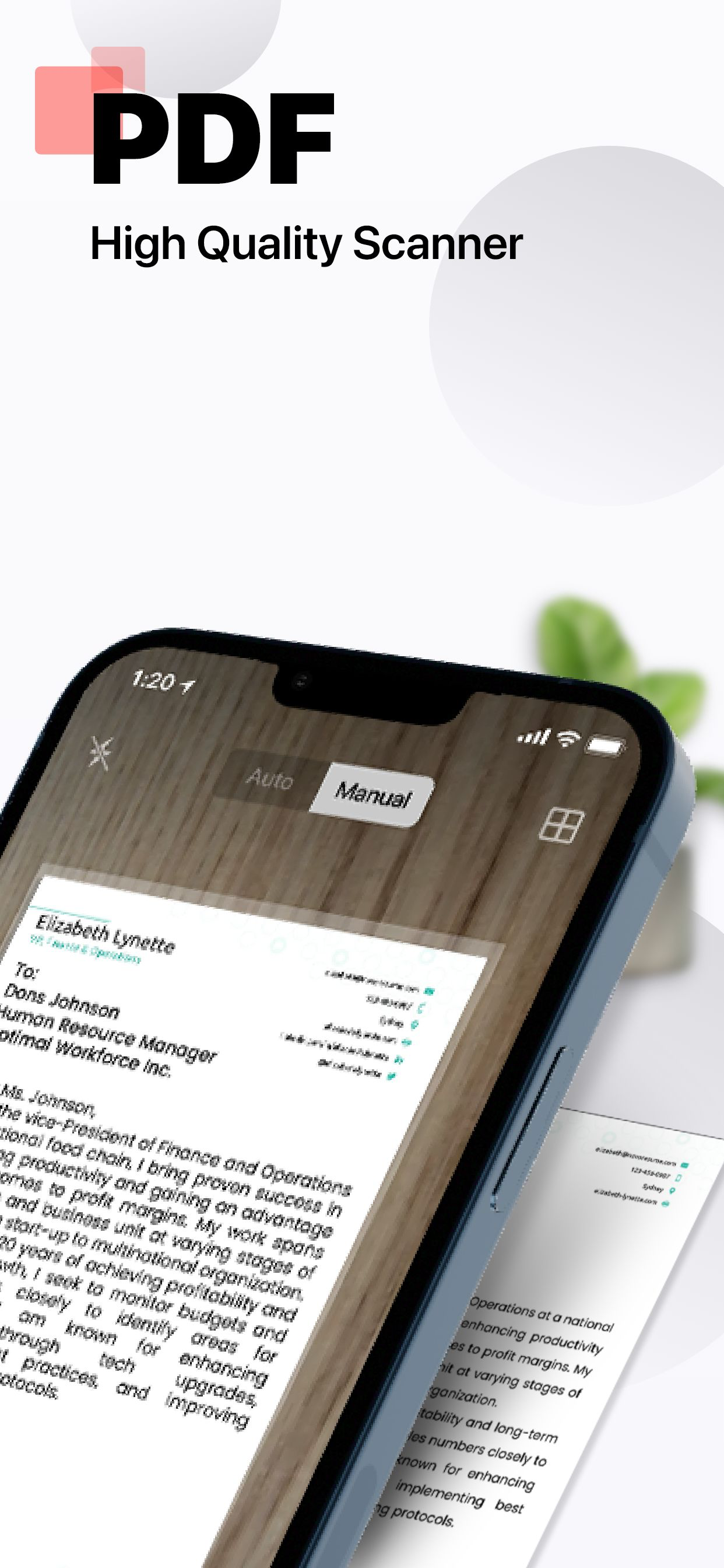
PDF scanner app is the ultimate tool for anyone who needs to scan documents and save them as PDF files. It is designed with advanced image processing technology that ensures your scans are always clear, sharp, and professional-looking. Here are some of the features that make this PDF app stand out from the rest:
1) Easy to use: It is incredibly easy to use, even if you're not tech-savvy. With just a few taps, you can quickly scan your document and save it as a PDF file.
2) High-quality scans: The app uses advanced image processing technology to ensure your scans are always high-quality, with clear text and sharp images.
3) Adjustable settings: You can easily adjust settings such as resolution, color mode, and file size to get the perfect scan every time.
4) Batch scanning: Need to scan multiple pages? No problem! DocuScan allows you to scan multiple pages and save them as a single PDF file.
5) Cloud integration: You can save your scans to the cloud for easy access from any device.
6) Share and export: DocuScan allows you to easily share your scanned documents via email, messaging apps, or social media. You can also export your scans to other file formats such as JPG or PNG.
7) Secure and private: It uses encryption to ensure your scanned documents are safe and secure. You can also set a passcode to protect your scans from prying eyes.
Wherever you are, easily scan photos, texts, and documents into high-quality PDF and JPEG files with this app. Powered by OCR technology, the scanner allows you to easily digitize books, business cards, and receipts and access them. You can quickly share your scanned documents effortlessly. DocuScan is the perfect solution for all your scanning needs.
Privacy Policy: https://hazelmobile.com/privacy-policy-ios/
Terms of Use: https://www.apple.com/legal/internet-services/itunes/dev/stdeula/
We’d love to hear from you! Please help us make our DocuScan: PDF Scanner & Maker App even better.
Classement dans le store
Le classement des stores est basé sur plusieurs paramètres définis par Google et Apple.
Toutes les catégories dans
États-Unis--
Productivité dans
États-Unis--
Principaux concurrents & apps alternatives
Applications ayant une forte probabilité d'être utilisées par les mêmes utilisateurs, à partir du même store.

Scanner - convert photo to pdf

PDF Scan: Doc Converter App

PDF Scanner Converter & Viewer

Vpin Video Learning Platform
 PDF Scanner・Doc Scanner App VS.
 janvier 13, 2026