

Mirror For Chromecast App 앱 분석 (10월 20일)

Mirror For Chromecast App
- AirBeamTV BV
- Apple App Store
- 무료
- 사진 및 비디오
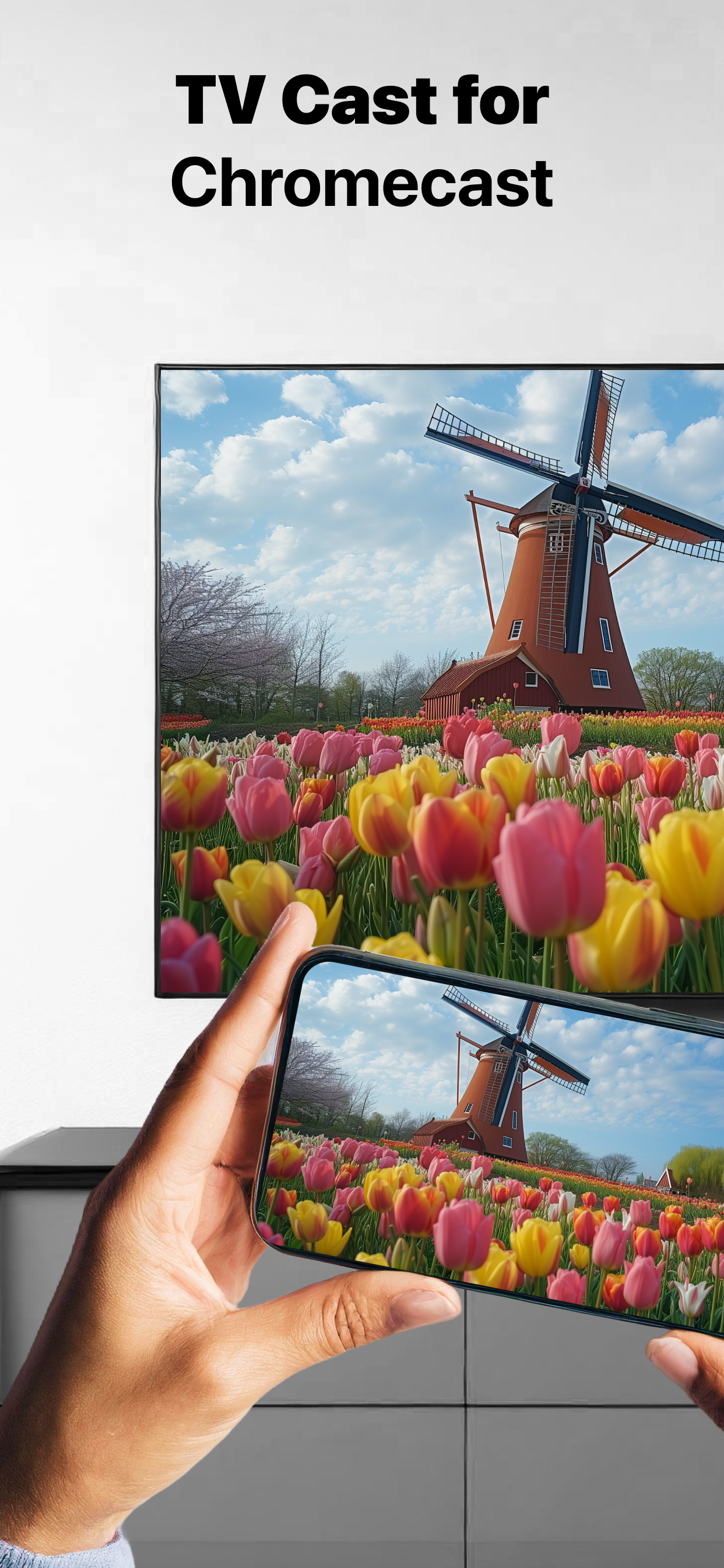
Application to mirror the screen and audio of your iPhone or iPad to a Chromecast 1, 2, 3, Ultra, or Google TV. You can mirror any app on your iPhone or iPad to your Chromecast.
In using the app, there will be a couple of seconds of latency (usually between 2 and 4). So this mirroring is not suitable for gaming.
However, it is very suitable for watching movies, giving presentations, watching photos, and much more!
How the app works:
1. Make sure that your iPhone or iPad is connected to the same local network as your Chromecast. Don't use multiple VLANs or subnets.
2. Launch the Mirror for Chromecast app. It will start looking for your Chromecast devices on your local network. When a Chromecast is found, please select it.
3. Turn on notifications for this app. We will not spam you, but we will use this to let you know if your Chromecast is working correctly or not. So please, please allow it, otherwise when things don't work as they should, you are left in the dark.
4. Click on Start Mirroring to start mirroring on the Chromecast that is currently selected. After that, you can just go to any other app on your iPhone or iPad and the mirroring just continues to run.
5. To stop mirroring, there are two options. (1) click on the red top bar that you will see on your iPhone or iPad. (2) Go to the Mirror for Chromecast app and click on Stop Mirroring.
You can purchase the Mirror for Chromecast Pro Version through an in app purchase.
The Pro Version has the following features:
1. Removes the watermark from the player on TV
2. Provides for free lifetime updates of the app
3. Enables sound even when the watermark is displayed on TV
* Payment will be charged to iTunes Account at confirmation of purchase.
* Subscription automatically renews unless auto-renew is turned off at least 24-hours before the end of the current period.
* Account will be charged for renewal within 24-hours prior to the end of the current period, and identify the cost of the renewal.
* Subscriptions may be managed by the user and auto-renewal may be turned off by going to the user’s Account Settings after purchase.
* Any unused portion of a free trial period, if offered, will be forfeited when the user purchases a subscription to that publication, where applicable.
Feel free to check:
Our Terms of Use: http://bit.ly/ToU-MfC
Our Privacy Policy: https://www.airbeam.tv/privacy-policy/
Limitations and known issues:
DRM
Some apps block Screen Mirroring. This means that application developers can choose themselves if they want to block Screen Mirroring. For instance, Netflix, Disney and AppleTV+ have decided to block this.
There is a simple test that you can do to see if the app that you want to mirror has blocked Screen Mirroring:
Open that particular app and slide up Control Center on your iPhone/iPad. Then, click on Screen Recording and start recording the screen to your Camera Roll. Watch the app that you want to mirror and at some point stop the screen recording. Then go to your Photos app and watch the video that was recorded. If the recorded video shows the app you want to mirror, it works fine. If the video is empty, then the app you want to mirror does not allow Screen Mirroring.
About Screen Recording and Privacy
Even though there are notifications about Screen Recording, we don't record your screen into files and we don't send any content to a server. We only temporarily store data in memory, before it is streamed to TV. Upon streaming, the content is removed from memory.
Support:
If you have questions or would like to provide feedback, please send us an e-mail or chat with us on our Facebook page.
When you like the app, please don't forget to give it a positive rating! Thanks in advance from the AirBeamTV development team!
Please give us feedback by mailing to support@airbeam.tv
Chromecast is a trademark of Google LLC.
스토어 순위
스토어 순위는 Google과 Apple이 설정한 여러 매개변수를 기반으로 합니다.
모든 카테고리 ·
미국--
사진 및 비디오 ·
미국--


 Mirror For Chromecast App VS.
 10월 20, 2026