

Audio Converter - Music editor 앱 분석 (10월 21일)

Audio Converter - Music editor
- UNIT VIET NAM JOINT STOCK COMPANY
- Apple App Store
- 무료
- 유틸리티
Audio Converter & Extract MP3 – Professional Audio Conversion and Extraction
Audio Converter & Extract MP3 is a comprehensive tool designed to help you easily and quickly convert and extract audio from video and audio files. With its simple yet powerful interface, this app allows you to convert popular audio formats and extract high-quality MP3 audio from any video.
----------------------- Key Features -----------------------
AUDIO CONVERTER
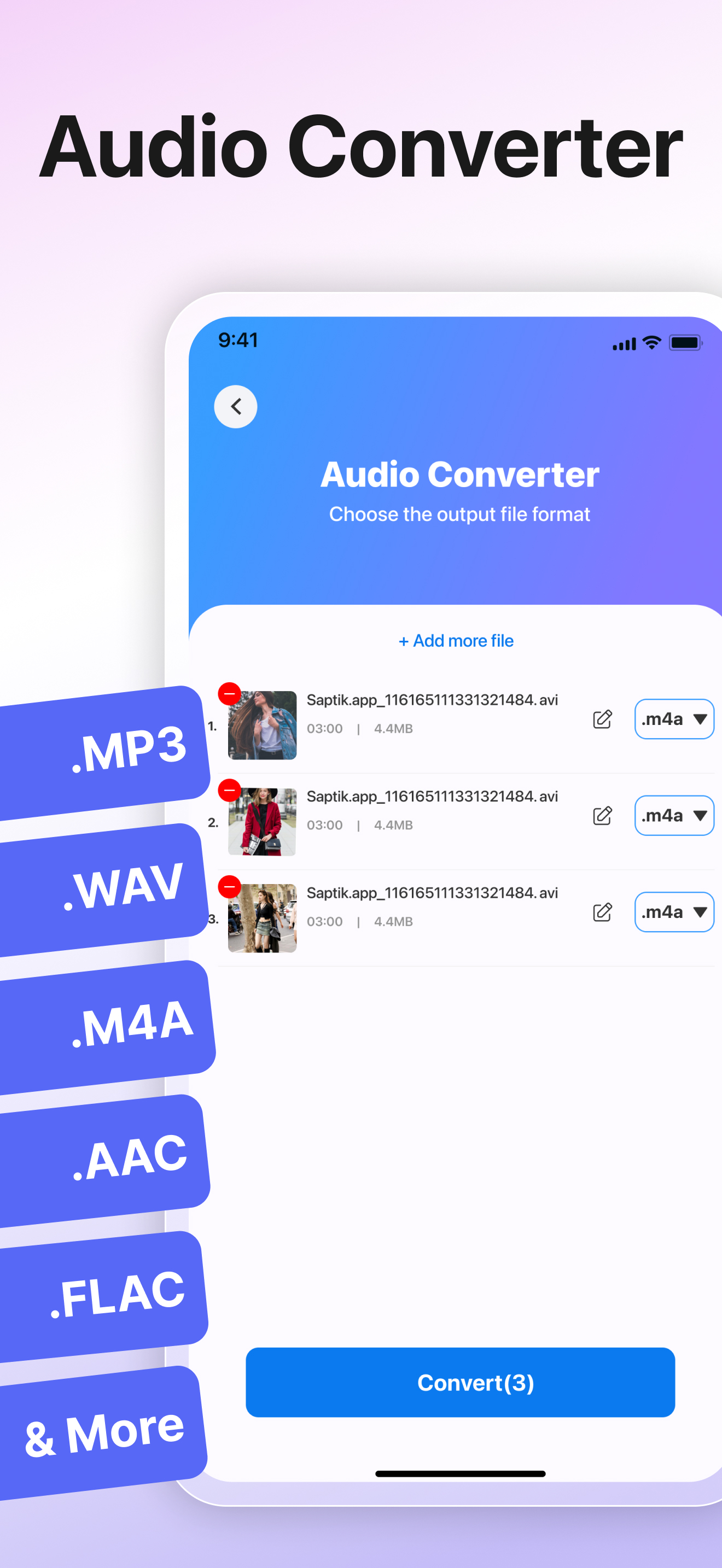
• Support for multiple audio formats: Convert between the most popular audio formats today, such as MP3, WAV, M4A, FLAC, AAC, OGG, and many others.
• Convert audio files: Easily convert between different audio formats without losing quality.
• Customize audio settings: Before converting, you can customize parameters such as bitrate, sample rate, and channel count (stereo/mono) to suit your specific needs.
AUDIO EDITOR
• Cut, merge, and edit audio: Cut, copy, paste, and edit your music tracks easily by dragging the trim handle.
• Combine several music clips, even in different formats.
• Add background sounds to your music, mix music flexibly with the multitrack feature.
RINGTONE MAKER
• Choose the video from the album and automatically extract the audio from the video.
• Accurate to 0.1s ringtone clipping.
• Support the fade-in fade-out setting within 1-5s.
• Support the video and audio converted to mp3 and m4r formats.
• Support the splicing of many ringtone audio files.
• Set the audio as charging tone.
AUDIO EXTRACTION
• Support for multiple video formats: You can extract audio from videos in various popular formats such as MP4, MOV, AVI, MKV, FLV, and many other video formats without the need for complex software.
• Choose high audio quality: After extraction, you can save the audio in high-quality formats like MP3, WAV, M4A, FLAC, and many others.
• Extract audio with just one tap: The audio extraction process is extremely simple. Just upload the video, select the desired audio format, and the app will automatically do the rest.
• Edit and cut audio after extraction: After extracting the audio, you can use the available editing tools to trim or modify the audio segment as you wish.
• No internet connection required: Once the video is downloaded to your device, you can extract audio even without an internet connection, helping you save data and work anytime, anywhere.
• User-friendly interface: The simple and intuitive interface makes it easy to edit audio right from the first use.
Download Audio Converter & Extract MP3 now to easily convert audio and extract MP3 from videos directly on your phone!
Upgrade to Premium:
- AudioConverterPro subscription is billed monthly to the selected plan. Payment will be charged to iTunes Account at confirmation of purchase. Subscription automatically renews unless auto-renew is turned off at least 24-hours before the end of the current period.
- Subscriptions may be managed by the user and auto-renewal may be turned off by going to the user's Account Settings after purchase
Let us know about any bugs, questions, feature requests or any other suggestions. Thank you
For more infos, Please visit:
https://apps.unitvn.com/terms
https://apps.unitvn.com/policy
스토어 순위
스토어 순위는 Google과 Apple이 설정한 여러 매개변수를 기반으로 합니다.
모든 카테고리 ·
미국--
유틸리티 ·
미국--


 Audio Converter - Music editor VS.
 10월 21, 2026