


10月20日 的 Red – Dark Filters 應用程式分析

Red – Dark Filters
- Anatoly Lapshin
- Apple App Store
- 免費版
- 照片與影片
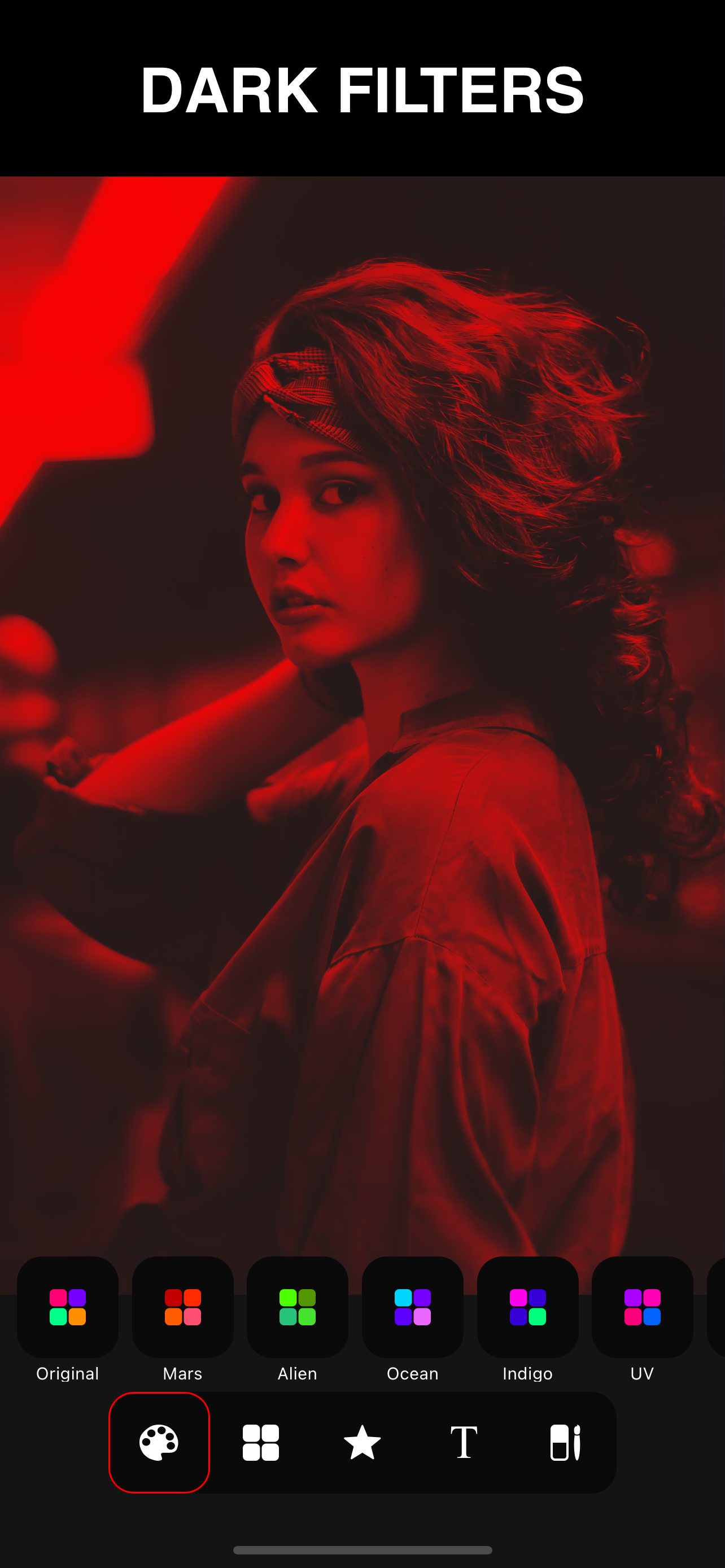
Welcome to the red room. Inspired by film retro photographs and neon discos of the 80s, this application will give you maximum functionality for working with dark filters. Create atmospheric night and abstract designs with the effect of colored glass. At your disposal are many powerful tools for creating creative work.
Not only red
The application has more than 10 vintage filters created by gradient map that simulate night lighting: red lights; Miami Filter; pink; UV; dusk; blue hour; aqua filter; green light; sunset and golden hour. These are unique duotone filters, saturated colors are tested on a large number of photos and are set to get perfect results.
Amazing effects
If you have already tried simple filters, then in the application you can select many cool effects, such as: digital noise or interference; 3D effect or image shift; Gradient or light flare, allows you to create the effect of an illuminated film; and especially cool: the zoom effect is paired with dark filters, which is great for extreme shots; TV effect - a unique holographic effect created from several neon filters. Most of these magical effects, like geometric shapes, are highly customizable, use gestures to resize the gradient and select a rotation angle.
Create a poster
Title your photo, make a stylish poster or magazine cover using transparent text. In the application you can choose one of more than 45 specially selected fonts. Thin fonts, bold, strict fonts, digital, handwritten fonts, rounded, square, artistic fonts, graffiti and others. Add your signature to the photo, the application supports multi-line text and emoji shapes. Use text effects such as mirrored text or highlighted text in frames. Change the font outline to make your caption look more creative. Any letter or your text can be used as a mask on a white or black background. Try this for a photo of your profile.
Red geometry
The application has a powerful vector editor that allows you to fine-tune any shape. Select one of over 20 predefined geometric shapes and customize it as you need. For example, create your own frame - make a turn, round the corners, resize. The application includes advanced vector filters, such as lines, mesh; particles, matrix rain, equalizer and others. Use overlay shapes or create a mask, to do this, change the background color to white or black, with one click. Choose one of the ready-made presets: round photo, square, frame, heart and others ... Or create your own frame using the built-in vector editor.
Draw and erase
Show your fantasy, colorize the objects in the photo using a soft brush, for example, change the color of your hair. Take a hard brush and paint what you want. The application allows you to easily draw smooth lines, thanks to the smoothing algorithm. The eraser will help you create stylish designs. Erase parts of text, shapes and make professional effects. You can use the eraser on any layer of your project.
https://www.apple.com/legal/internet-services/itunes/dev/stdeula/
商店排名
商店排名基於Google和Apple設定的多個參數。
所有類別 在
美國--
照片與影片 在
美國--


 Red – Dark Filters VS.
 10月 20, 2026