

PDF Joiner & Merger app analytics for October 6

PDF Joiner & Merger
- Ruchira Ramesh
- Apple App Store
- Paid
- Business
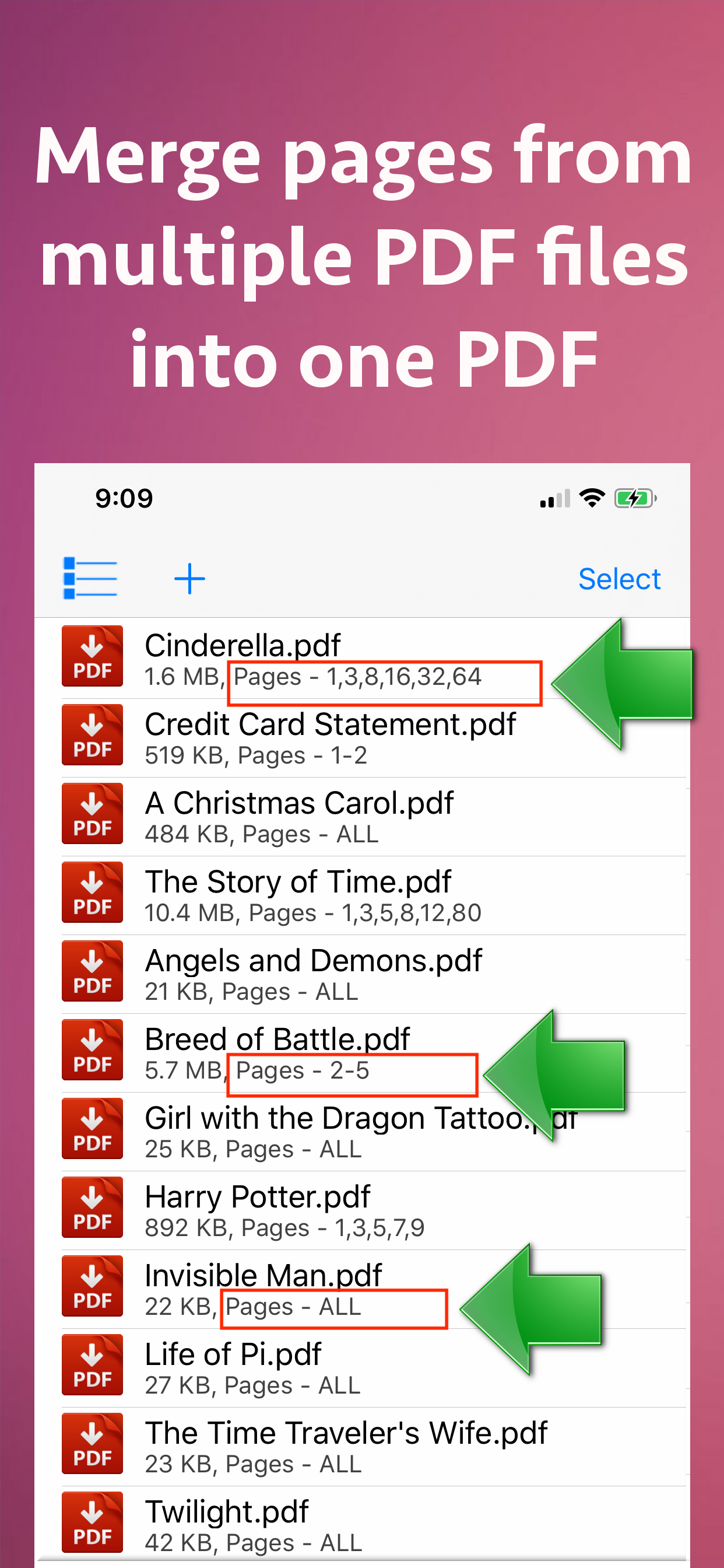
Merge pages of choice from one pdf with pages of another PDF files. The application offers various cutomizations to merge the PDF files.
For example : You could merge page 2 and 4 of a PDF with page number 30 and 32 of another PDF.The resulting PDF will contain 4 combined pages from both PDF files.
You could also merge a range of pages of a PDF with other PDF. For example : You could merge from page 5 to 10 of a PDF with page number 30 to 50 or another PDF.
Apart from this, the entire PDF could be merged with the other PDF files as well.
The application could combine pages of choice from even hundreds of PDF files at once.
The application also supports Password protected PDF. This means that once you provide the password, the password protected PDF could be merged easily with other PDF files.The resulting PDF file will not ask for the password.
The application also retains all annotations and links in the created PDF files.If you have added annotations and links to a PDF file, these will be retained when the application creates the Merged PDF files.
Merging multiple PDF files help to reduce the clutter of PDF files. It also helps to organise the similar topics, novels, pages from books, study topics or the project documentations together.
Using the application, you could have your own collection of various categorized PDF. You could combine and keep all of your favourite books, titles, topics or notes together.This will help to find and share these materials easily whenever required.This also simplifies managing PDF files.
In order to merge the PDF files, just add them to the application.After you add the PDF files, their merging order could be adjusted using the "Move Up" and "Move Down" buttons.
The application comes with its inbuilt PDF previewer.Using this, you could directly preview the PDF files that are added to the application.The previewer also previews the password protected PDF files.
The below optional settings could be adjusted for each and every PDF separately as well :
a) Password : Provide a password if applicable
b) Page Range : Provide a range of pages if required.For example pages from 1 to 10
c) Random Pages : Provide a comma separated values of pages from PDF. For example : You could specify random page numbers like 1,3,5,7,9,42,95
If you want to consider all pages for merging, please check the checkbox named "Merge all pages from this PDF".
Once all settings are made, please save these settings.Different settings of page numbers and passwords could be saved for each PDF separately.
The application supports batch processing.This means that you could merge even hundreds of PDF files into one PDF.The Merged PDF files could be saved to cloud using the Files application.These could also be shared with other applications.
Store Rank
The Store Rank is based on multiple parameters set by Google and Apple.
All Categories in
United States--
Business in
United States--
Top Competitors & Alternative Apps
Apps with a high probability of being used by the same users, from the same store.

Gig ELD

PDF Merger & Combiner ◦ Stitch

StreetEasy Skylines

PDF Merger 2025
 PDF Joiner & Merger VS.
 October 6, 2026