

You’ve hit your search limit
Start your free trial to keep exploring full traffic and performance insights.
Get StartedPDF - Scanner, Reader & Editor app analytics for October 23

PDF - Scanner, Reader & Editor
- Pravin Gondaliya
- Apple App Store
- Free
- Business
PDF: Scanner, Reader & Editor – Convert, Lock & Sign Documents
All-in-one mobile solution to scan, read, sign, lock, and manage your documents securely and effortlessly
==================
Turn Your Device into a Powerful Document Hub!
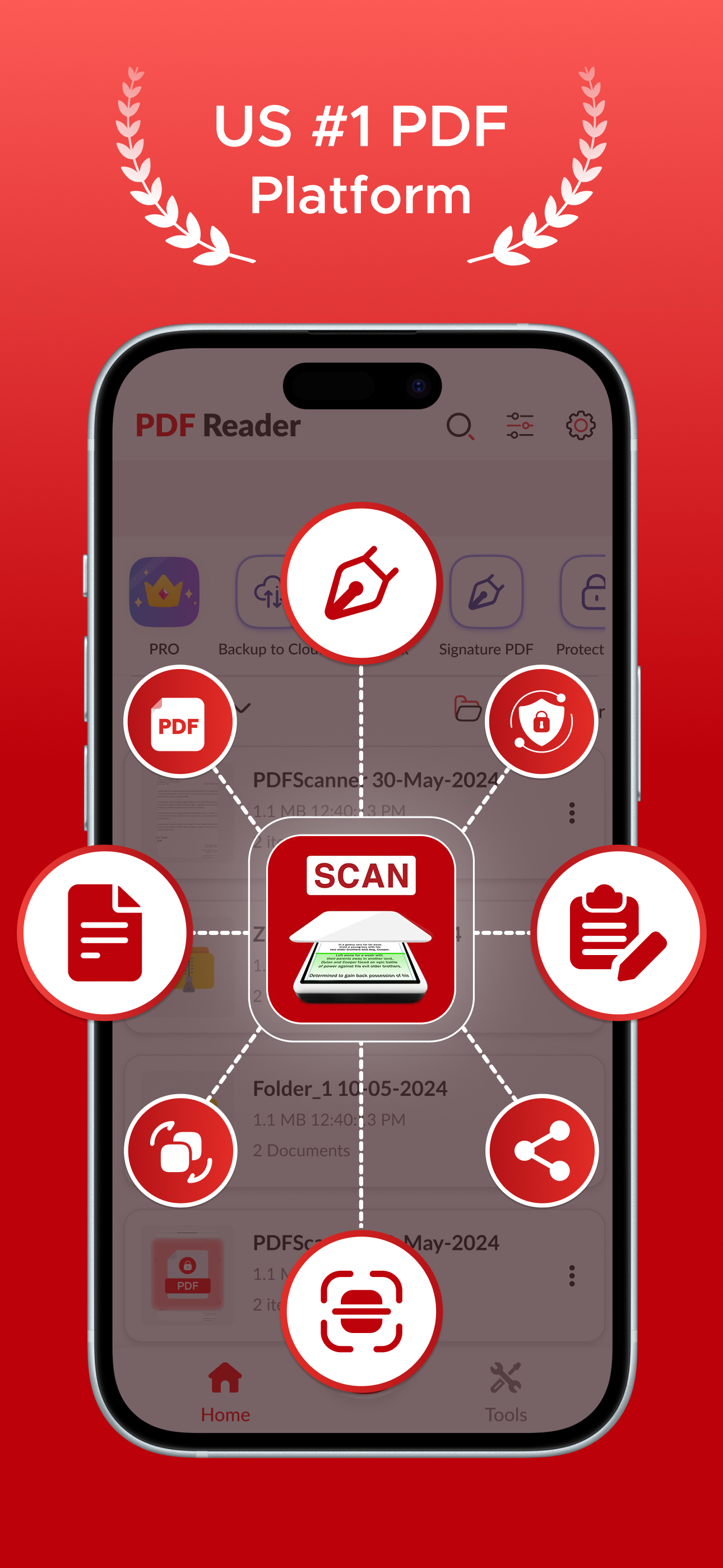
PDF: Scanner, Reader & Editor is the ultimate digital tool that brings scanning, editing, reading, e-signing, and secure file storage all into one place. Whether you’re a student or professional or just need to organize documents on the go, this PDF file manager helps you stay productive and paperless.
==================
- Key Features to Maximize Your Productivity:
1. PIN Protection & Secure File Locking
Protect important files and folders with a strong PIN code. Keep your private scans safe and accessible only to you.
2. Electronic Signature
Sign documents digitally in seconds. Save your signature for reuse and add it to PDFs effortlessly.
3. Smart Document Scanner
Scan physical documents using your camera or import them from the gallery. Supports scanning receipts, contracts, ID cards,
certificates, business cards, handwritten notes, whiteboards, and more.
4. Accurate OCR (Text Recognition)
Convert scanned images to editable text with high-precision OCR. Recognizes multiple languages and allows easy editing and
exporting.
5. All-in-One File Manager
Organize, move, copy, delete, rename, reorder, and manage files or folders seamlessly. Includes drag & drop support for
intuitive document control.
6. Image Enhancer & Editor
Built-in noise removal, color correction, and sharpness controls ensure clean and professional-looking scans every time.
7. Multi-Format Export
Export your files in PDF or JPG format and instantly share them for work, study, or record-keeping.
8. Cloud Upload & Printing
Easily upload your scans to cloud services or print documents directly from your device. Supports sharing via email, text, and
more.
9. Page Management Tools
Cut, copy, paste, reorder, rotate, or delete pages within any PDF. Merge multiple pages or split large files with ease.
==================
- Why Users Love PDF: Scanner, Reader, & Editor
1. Simple and clean interface for quick navigation
2. Seamlessly manage school, business, or personal files
3. Lightning-fast scanning with automatic edge detection
4. Reliable PDF viewer and annotation tools
5. Offline and online access to your documents
6. Converts your phone into a digital office on the go
==================
Perfect For:
- Students managing study notes and assignments
- Freelancers and business owners signing and sending contracts
- Office professionals handling receipts, invoices, or reports
- Anyone looking to organize documents with speed and security
==================
No More Paper Clutter – Stay Organized & Efficient!
Scan, sign, store, and share – all in one smart document scanner.
==================
Disclaimer:
This app offers paid features that require an additional purchase for full access. To enjoy all the content and functionality, a subscription is required.
Privacy Policy: https://vasundharaapps.com/pdf-scanner-privacy-policy-ios
Terms of Use: https://vasundharaapps.com/pdf-scanner-terms-of-service-ios
Store Rank
The Store Rank is based on multiple parameters set by Google and Apple.
All Categories in
United States--
Business in
United States--
Top Competitors & Alternative Apps
Apps with a high probability of being used by the same users, from the same store.

PDF Scanner・Document Scanner・

One Scan: PDF Doc Scanner

Photo to PDF Scanner - ScanSky

PDF Editor: Edit & Convert PDF
 PDF - Scanner, Reader & Editor VS.
 October 23, 2026