

You’ve hit your search limit
Start your free trial to keep exploring full traffic and performance insights.
Get StartedTDLiDAR app analytics for October 20

TDLiDAR
- ari lintzeris
- Apple App Store
- Free
- Developer Tools
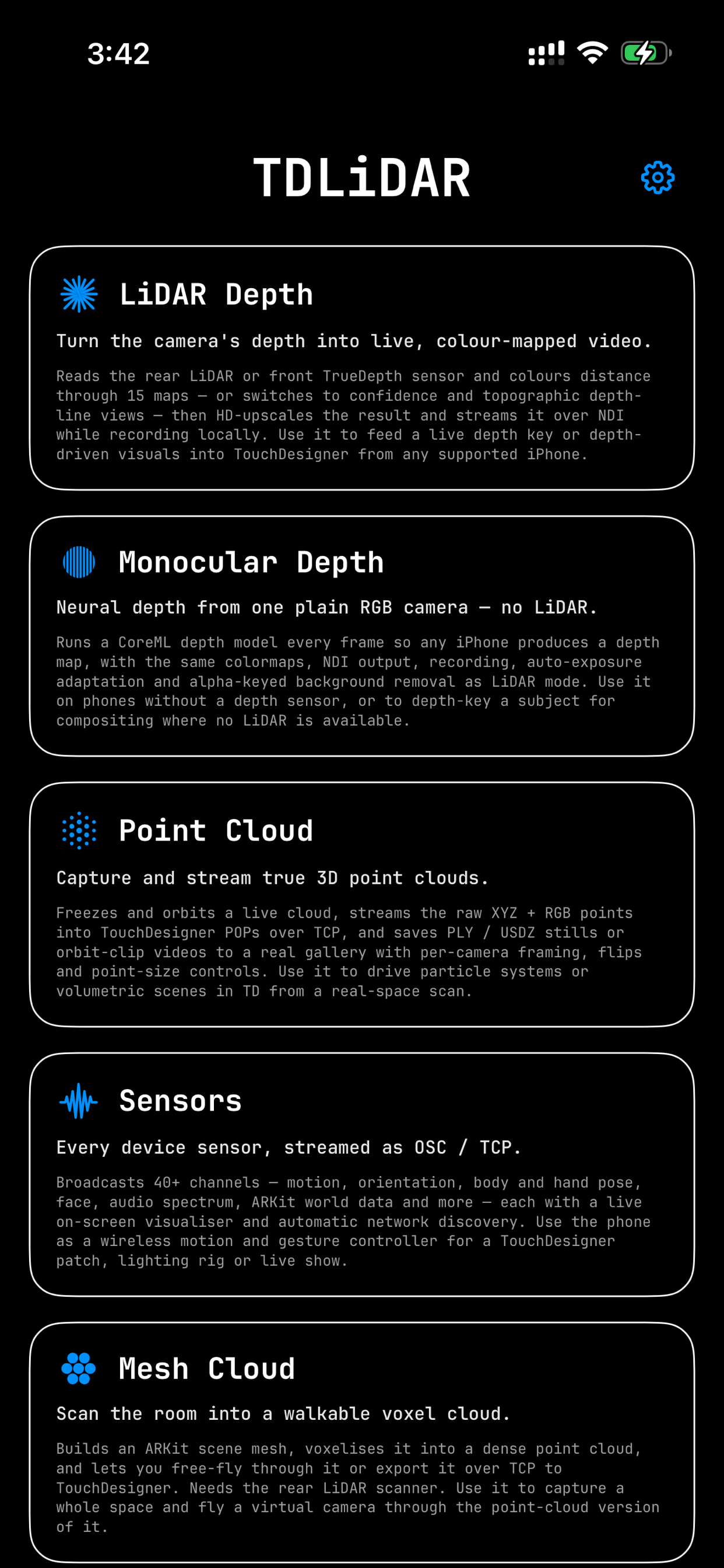
TDLidar turns your iPhone into a live depth camera and 40-sensor streaming hub for TouchDesigner, OBS, Resolume and any NDI-aware tool — no capture card or tether. Tap Start NDI and it appears as a 1080p/60fps source on the network.
DEPTH MODES
• NDI Depth — front TrueDepth or rear LiDAR, live, with 15 colormaps, depth clipping and HD upscale.
• LiDAR + Monocular (Pro) — real LiDAR sharpened by a neural network, in metres on a fixed range that never breathes.
• ARKit Point Cloud (Beta · Pro) — scan people as live point-cloud silhouettes, or switch to All Surfaces and capture a whole room. Trail, echo, sculpt and gravity FX, colour by height, orientation, confidence or object type, and stream it all to TouchDesigner.
• Monocular Depth (Pro) — neural depth from any RGB camera, no LiDAR needed; three model tiers at 60 fps.
• Point Cloud (Pro) — live motion FX, Person Only isolation, and bit-exact XYZ+RGB into TouchDesigner POP geometry over Wi-Fi or USB.
• Mesh Cloud (Pro) — scan a room into a walkable point cloud; export PLY.
CONTROL & SENSORS
• Show Control (free) — drive everything remotely over OSC and MIDI: 140+ parameters, mode switching, Look Presets, show blackout.
• Sensors mode — ~40 on-device sensors (ARKit body/face/hands, motion, audio FFT, speech, AirPods, Watch heart rate) streamed as OSC.
• Cue Deck & Align (Pro) — an OSC trigger-pad grid and a projector-warp rough-in.
Everything runs on-device. No accounts, no telemetry, no analytics — data stays on your phone or LAN.
REQUIREMENTS
iPhone with TrueDepth or LiDAR (LiDAR modes need the scanner). iOS 18.6+. An NDI receiver on the same network.
TDLidar Pro is a one-time lifetime purchase, or try everything with a 3-day pass. No subscriptions.
Store Rank
The Store Rank is based on multiple parameters set by Google and Apple.
All Categories in
United States--
Developer Tools in
United States--
Top Competitors & Alternative Apps
Apps with a high probability of being used by the same users, from the same store.

ZIGCAM

Forge Database Manager

Mobile IDE for Codex AI GPT

NFC Reader & Writer – NFC Tool
 TDLiDAR VS.
 October 20, 2026