

You’ve hit your search limit
Start your free trial to keep exploring full traffic and performance insights.
Get StartedDev Keyboard: Code & Symbols app analytics for November 21

Dev Keyboard: Code & Symbols
- Anshika Maurya
- Apple App Store
- Free
- Developer Tools
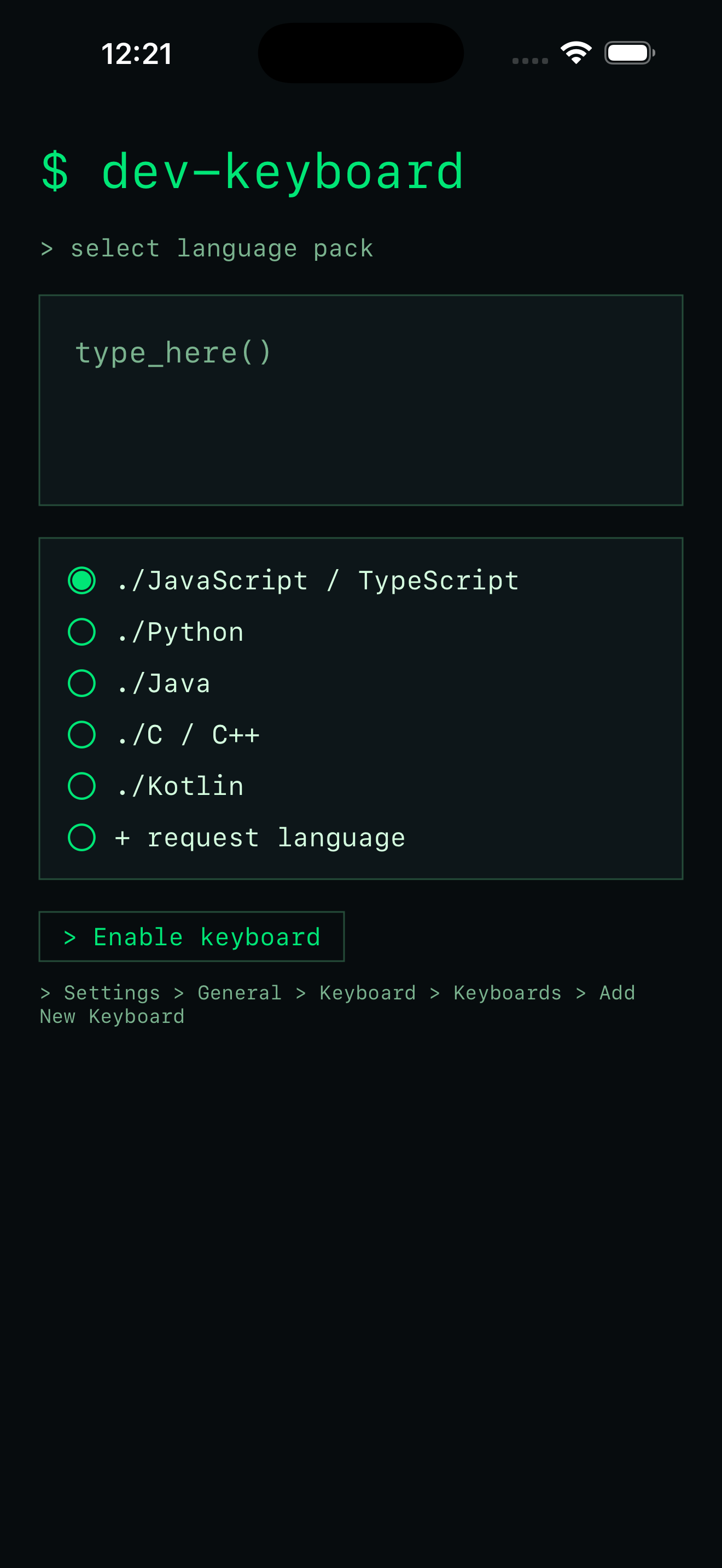
Dev Keyboard is a terminal-styled coding keyboard that puts the symbols you actually type one tap away. A PC-style layout (Esc, Ctrl, Shift, Alt, Cmd, Tab, Caps) sits above quick rows of developer symbols and brackets.
FEATURES
- PC-style modifier row and key layout
- One-tap brackets and symbols: {} [] () => ; / \ | and more
- Long-press letters for extra developer symbols
- Language packs: JavaScript / TypeScript, Python, Java, C / C++, Kotlin
- Terminal aesthetic: monospace, dark, distraction-free
- Privacy-first: no Full Access required, nothing leaves your device
Type code faster in any app - notes, chat, editors, terminals.
Store Rank
The Store Rank is based on multiple parameters set by Google and Apple.
All Categories in
United States--
Developer Tools in
United States--
Top Competitors & Alternative Apps
Apps with a high probability of being used by the same users, from the same store.

TypeTab: Coding Keyboard

Moshi: herdr/tmux on SSH/MOSH

Blink Shell, Build & Code

a-Shell
 Dev Keyboard: Code & Symbols VS.
November 21, 2026