

Sie haben Ihr Suchlimit erreicht
Starten Sie Ihren kostenlosen Testzugang, um weiterhin alle Traffic- und Performance-Insights zu erkunden.
Los geht'sImgRef App-Analysen für 21. Oktober

ImgRef
- 文荣 李
- Apple App Store
- Kostenlos
- Grafik und Design
「App Store Editor's Choice」 「98% 5-Star Ratings」 「Cross-Platform for iPhone/iPad/MacOS」
Redefine your creative workflow - an all-in-one tool combining mood boards, reference images, smart asset management, precise color picking, and free-form collaging across devices.
Designed for UI/brand/illustration/photography/architecture/video storyboard and other creative scenarios, this is your professional reference image and inspiration board on iPhone / iPad / macOS.
Core Features:
1. Unlimited Canvas: Smart caching and image management for large long-term libraries and smooth browsing.
2. Multi-Select Batch Processing: Select multiple images for adaptive scaling, smart layout, uniform size, copy, and alignment.
3. Professional Workflow: Full keyboard shortcuts (Mac / iPad keyboard) for faster frequent actions.
4. Image Editing: Rotate, crop, desaturate, flip, adjust opacity, layers, scale, and more.
5. Dynamic Eyedropper: Pick any canvas color in real time and get common color codes.
6. Video Processing: MP4 playback and 4K still extraction for faster storyboards, covers, and video references.
7. Stylized Text: Built-in fonts and styles make notes, titles, and labels clearer on the canvas.
8. Magnetic Guides: Alignment hints and smart snapping for precise layouts.
9. GIF Decomposition: Break animations into frames for clearer detail references.
10. Import & Backup: Clipboard, photos, folders, drag & drop, export, full backup.
11. Web Drag & Drop: Drag images from Pinterest / ArtStation / Midjourney / Pixiv / Instagram and more.
12. Multiple Modes: View, lock, and edit modes keep browsing and editing separate.
13. Brush Tools: Annotate and highlight key areas for more intuitive communication.
14. File Management: Grid/list views with multiple sorting options.
15. Canvas Zoom: Smooth zoom and pan for comfortable detail viewing.
16. Multi-Select Quick Alignment: Quick alignment/distribution after multi-select.
Enhanced Features:
1. Image/GIF/Video Notes: Add notes to capture ideas and key points.
2. Preview Mode: Switch to a clean preview for focused viewing and presentations.
3. Advanced Crop: Fit different aspect ratios and compositions faster for cleaner output.
4. Image Blur: Blur images for privacy protection and richer visual layering.
5. High-Resolution Scene Export (PNG): Export full scenes as HD PNG for sharing and delivery.
6. File Favorites: Save frequent files for quick access to key references.
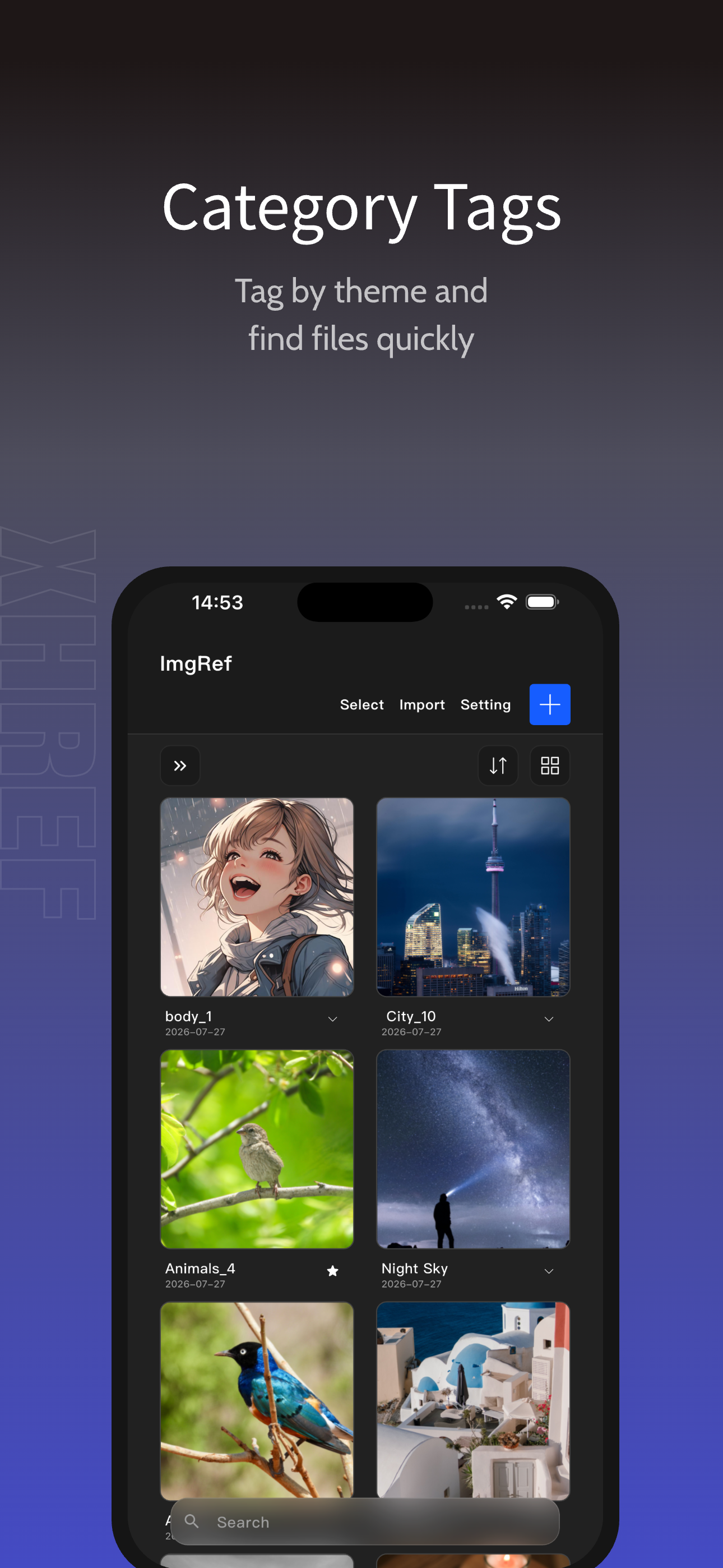
7. Category Tags: Tag files by use, project, or status for faster filtering.
8. Dotted Background: Toggle a dotted background for clearer edge contrast.
9. Canvas Grayscale: Focus on tone and composition with grayscale view.
10. Image Color Analysis: Extract dominant colors to understand palette relationships.
11. Layer Panel: Preview names, reorder, and quick select for efficient layer management.
12. Scheduled Playback: Timed switching, playback controls, and countdown.
13. Layer Search: Filter by type and keyword to quickly locate target content among many layers.
14. Brush Presets: Switch stroke width, color, and opacity for annotation, highlighting, and sketching.
15. Canvas RGB Single-Channel Preview: View R/G/B channels separately to analyze color distribution, tone, and detail.
16. Link Cards: Turn webpages into cover cards pinned on the canvas; one tap to open
17. Image OCR: One tap reads the text in an image and creates text beside it, so titles, copy, and labels on posters, interfaces, and screenshots can be lifted without retyping.
You can subscribe to ImgRef Pro. Charged to your iTunes account on confirmation. Auto-renews unless canceled 24+ hours before period end. Manage in iTunes Store.
Privacy Policy: https://xunhuaref.cn/index.php/privacypolicy/
Terms of Use: https://xunhuaref.cn/index.php/privacypolicy/eula-en/
Download now and experience the smoothest creative tool in the Apple ecosystem!
Thank you for reading. Contact us:
Email: imgref@163.com
Rang speichern
Der Store-Rang basiert auf mehreren Parametern, die von Google und Apple festgelegt wurden.
Alle Kategorien in
Vereinigte Staaten--
Grafik und Design in
Vereinigte Staaten--
Top-Wettbewerber und alternative Apps
Apps mit hoher Wahrscheinlichkeit, von denselben Benutzer:innen aus demselben Store verwendet zu werden.

Poster Maker Flyer Maker Posta

Charging Animation Lite

Sketch Tree Pro - My Art Pad

Cava AI: Logo, Poster & Banner
 ImgRef VS.
 Oktober 21, 2026