

You’ve hit your search limit
Start your free trial to keep exploring full traffic and performance insights.
Get StartedAnálisis de la app Macro Deck Companion para 20 de octubre

Macro Deck Companion
- Manuel Mayer
- App Store de Apple
- Gratis
- Servicios públicos
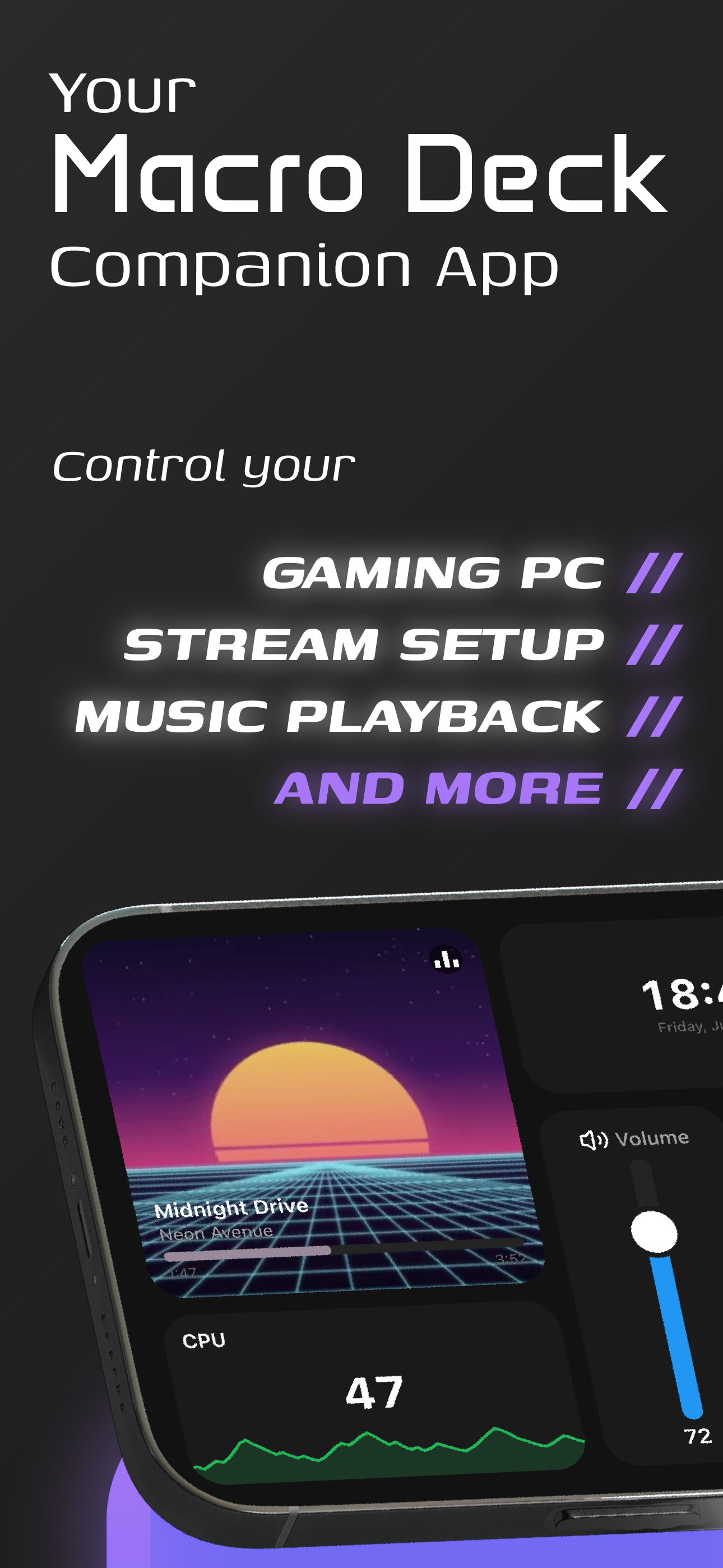
Turn your iPhone or iPad into a wireless macro pad and control deck for your PC. Macro Deck Companion is the official native app for Macro Deck 3, the free, open source macro software for Windows, macOS and Linux. Run macros, trigger hotkeys, control OBS and your stream, switch scenes, manage audio and launch apps with one tap on customizable buttons.
A NATIVE DECK, NOT A WEBSITE
Macro Deck Companion draws your deck natively instead of wrapping a browser. Every button, folder, profile, icon, font and animation looks exactly like it does in Macro Deck, but responds faster, with smooth touch input and haptic feedback on every press. Tap, long press and double tap each run their own action.
CONNECT IN SECONDS
- Automatic discovery finds Macro Deck on your local network
- Scan the QR code shown by Macro Deck to pair instantly
- Add a connection manually by IP address and port
- Wake your computer with Wake-on-LAN before you connect
- Sign in once, your session is stored securely on the device
MULTIPLE COMPUTERS, ONE APP
Save several Macro Deck hosts and keep them open at the same time. Control your gaming PC, your streaming PC and your work laptop from one phone, and see at a glance which ones are online. Choose which connection opens automatically when you launch the app.
FAST GESTURE NAVIGATION
- Swipe with one finger to move between folders
- Swipe up or down to go into a folder or back out
- Swipe with two fingers to switch profiles
- Swipe with three fingers to jump to another computer
THE PERFECT STREAMING CONTROLLER
Use your old phone or tablet as a dedicated stream controller and button box on your desk. Start and stop recording, switch scenes, mute your microphone, play sounds, post to chat, control music and media, and run multi-step automations while you stay live. Great for streamers, content creators, gamers, video editors, developers and anyone who wants a custom macro keyboard for productivity.
YOUR DEVICE, PART OF YOUR SETUP
Macro Deck sees your phone as a real device. It shows the battery level, charging state, orientation and brightness, so you can use them in your own macros. With your permission, your computer can also:
- Set the screen brightness and orientation
- Vibrate the device
- Turn the screen on or off
- Bring the deck to the front
- Take a screenshot
MADE FOR DAILY USE
- Background connection keeps your decks ready
- Keep the screen on while a deck is open
- Built-in screensaver support
- Light and dark theme
- Liquid Glass that feels at home on iOS
- Works on iPhone and iPad in portrait and landscape
DIRECT CONNECTION TO YOUR COMPUTER
Your deck talks directly to Macro Deck on your own computer, over your local network. Button presses never take a detour through a remote server, which keeps every action fast and reliable. Your sign-in is kept in iOS's keychain, and the app only asks for the access a companion device needs.
TRY IT FREE
Start a free 7-day trial. One license unlocks Macro Deck Companion on all your devices: buy it once on iPhone or iPad and your Macro Deck shares it with your other devices. Connection management, discovery and settings always stay free to use.
HOW TO GET STARTED
1. Install Macro Deck 3 on your Windows, macOS or Linux computer
2. Open Macro Deck Companion on your phone or tablet
3. Pick your computer from the list or scan its QR code
4. Sign in and start pressing buttons
Macro Deck is a community driven open source project. Need help or have an idea? Visit macro-deck.app and join the community.
Terms of Use (EULA): https://www.apple.com/legal/internet-services/itunes/dev/stdeula/
Clasificación de tiendas
El Store Rank se basa en múltiples parámetros establecidos por Google y Apple.
Todas las categorías en
Estados Unidos--
Servicios públicos en
Estados Unidos--
Principales competidores & aplicaciones alternativas
Aplicaciones con una alta probabilidad de ser utilizadas por los mismos usuarios, desde la misma tienda.

Docksy: Macro Deck

DeskTap Stream Deck

StreamPad - Audio & Deck

Lo Deck
 Macro Deck Companion VS.
 octubre 20, 2026