

You’ve hit your search limit
Start your free trial to keep exploring full traffic and performance insights.
Get StartedAnálisis de la app Frankie by Creativecrap para 31 de julio

Frankie by Creativecrap
- Ethan Liu
- App Store de Apple
- Pagado
- Servicios públicos
Frankie is about to retire, so please use OkidoKey instead.
Frankie is about to retire, so please use OkidoKey instead.
Frankie is about to retire, so please use OkidoKey instead.
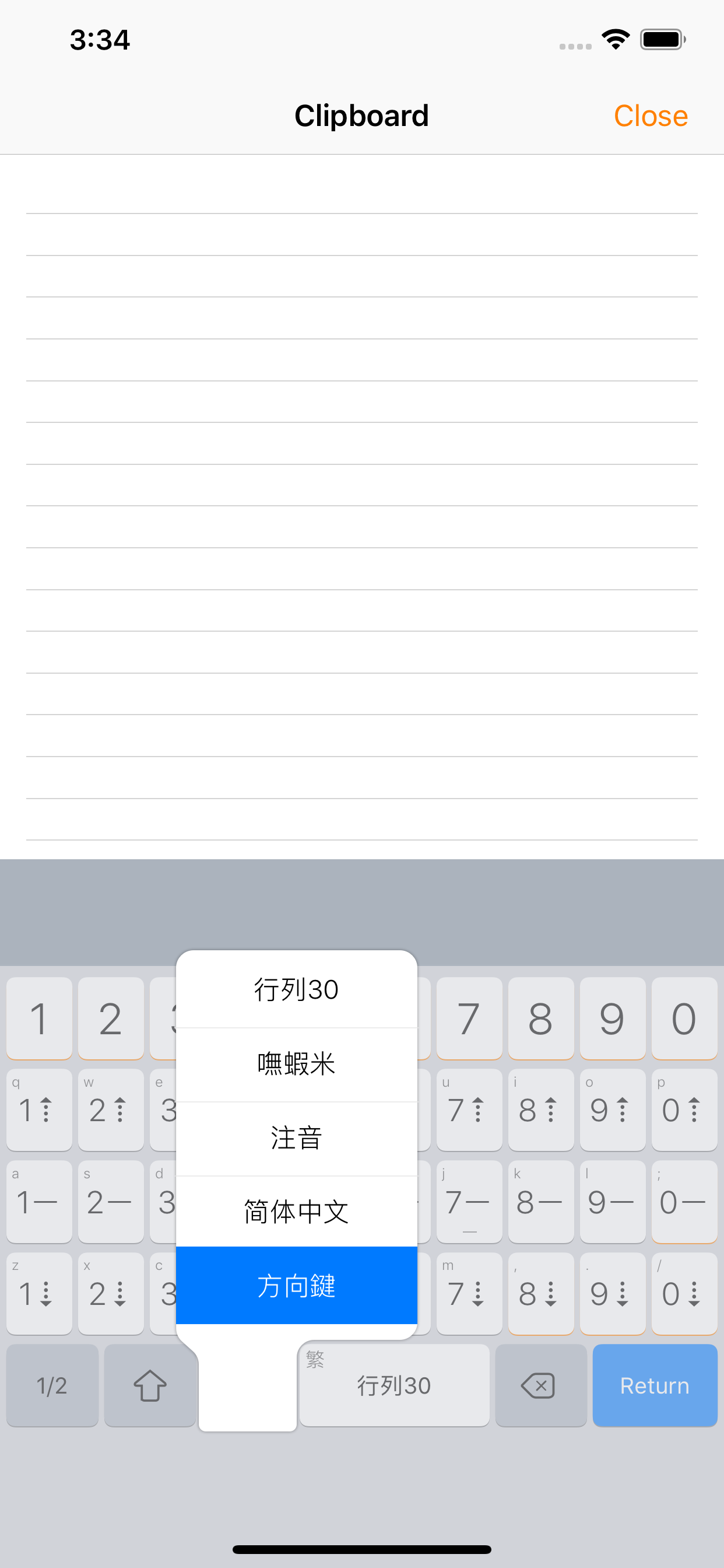
Frankie (formerly OkidoKey) offers an in-app keyboard that includes a plain text editor and a keyboard extension for system-wide usage. Additionally, the Clip Pad editor mode automatically copies text, enabling typing without the need to create or open a document.
A single keyboard extension offers multiple input methods, enabling seamless English typing without the need to switch to another keyboard. It incorporates features such as emoji support, a lexicon, spellcheck, predictive text, and intelligent punctuation, collectively enhancing the efficiency of typing.
- Includes most common and ready-to-use Chinese input methods and keyboards, i.e. Array, Cangjie, Dayi, Pinyin, etc.
- Capable of using custom input methods.
- Capable of using multiple input methods and keyboards.
- Sibling Keyboard and Key Flicks for Half/Full-Width symbols (iPad).
- Composition prompt option.
- Navigation Keyboard.
- Bluetooth keyboard supports (in-app text editor only).
- Auto-copy content feature in Clip Pad editor mode.
- Chinese and English mix-typing (triggered by return key).
- Chinese lexicon and Emoji.
- Smart punctuation.
- Homophones and Phonetics Lookup.
- Traditional and Simplified Chinese output.
Input Methods
- Optimized for Array input method and fully supports special and shortcode mode.
- Zhuyin input method supports the standard, Et26, Et41, Hsu, and IBM keyboard layouts.
- To install custom input methods like Boshiamy, select the CIN table file from the file browser and choose install.
External Keyboard
External keyboards are not supported by keyboard extensions; however, you can use Clip Pad in split-view as a bridge for inputs, with auto-copy content feature in Clip Pad editor mode. All you need is switching to the next app, then tapping the paste icon or cmd-v to paste the content.
Clasificación de tiendas
El Store Rank se basa en múltiples parámetros establecidos por Google y Apple.
Todas las categorías en
Estados Unidos--
Servicios públicos en
Estados Unidos--
Principales competidores & aplicaciones alternativas
Aplicaciones con una alta probabilidad de ser utilizadas por los mismos usuarios, desde la misma tienda.

UrKeyboard輸入法

爪爪鍵盤

Know My IP

元书输入法
 Frankie by Creativecrap VS.
 julio 31, 2026