

WPD Converter -for WordPerfect のアプリ分析 11月20日

WPD Converter -for WordPerfect
- RootRise Technologies Private Limited
- Apple App ストア
- 有料
- 生産性
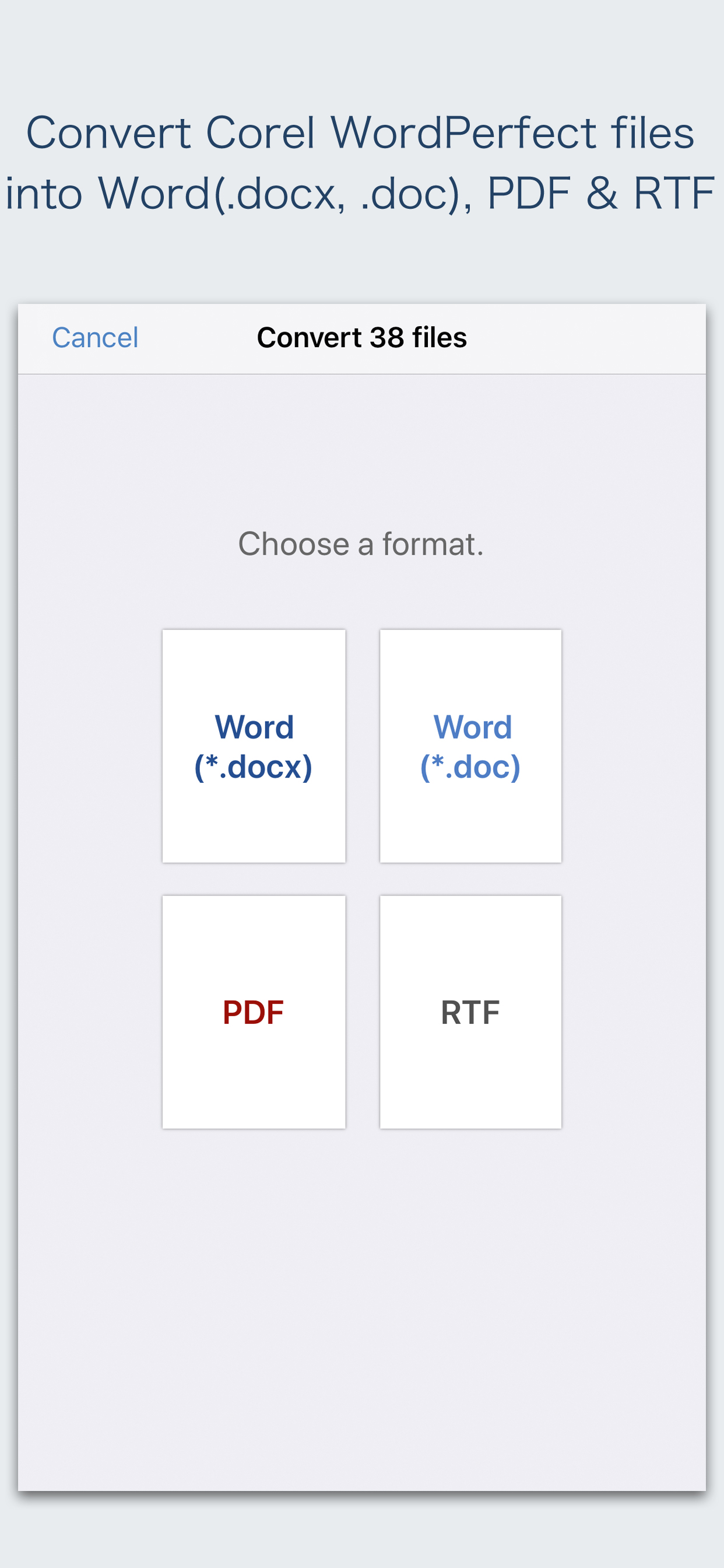
“WPD Converter” offers to batch convert Corel® WordPerfect® documents (.wpd, .wpt, .wp, .wp4, .wp5, .wp6) into Microsoft® Word documents (.docx and .doc), PDF and RTF. Converts every WordPerfect page into an equivalent page in the target conversion format document.
Converts the text, text characteristics, paragraphs, text frames linking, text frame columns, tables, graphics and other WordPerfect objects and properties to the matching Microsoft Word format objects and properties by preserving layout.
Do you receive Corel WordPerfect documents as email attachments on you iPhone and iPad? Are you having plenty of Corel WordPerfect files that no decent viewer available to open on your iPhone and iPad? The easiest way to circumvent these problems is to convert all such files to either Microsoft Word (.doc, .docx) format, PDF or RTF files using WPD Converter.
“WPD Converter” eliminates the need of recreating the contents of an WordPerfect file in Microsoft Word resulting in efficient workflow automation that can save time by avoiding cumbersome task.
“WPD Converter” supports batch conversion. Select multiple WPD files in document browser view and tap Convert button at top to start batch conversion.
Corel WordPerfect (version 1-11) format files are supported.
DESTINATION PATH : Convenient options to store converted documents at your easily accessible location. Choose from following
Save Next to Original Documents - Tap this button to save a converted file into the same location and directory as an existing original document. The converted document with unique name with target format extension will be saved beside original document.
Save to App’s Documents Folder - Tap this button to save a converted file with unique name with target format extension into “WPD Converter” Documents folder.
Choose How to Send - Tap on this button to popup standard iOS activity controller. Tap one of the option in activity controller for sending, saving or posting a converted document. Choose a location, or provide the requested information (for example, an email address if you are sending an email) then send or post a copy of converted document.
DOCUMENT MANAGEMENT
- The inbuilt document browse view automatically gives you the option to share documents using the Share button or a drag-and-drop action. It also provides a standard interface for browsing and managing documents.
- Automatically handles access to iCloud for you within the app. It also provides access to documents managed by third-party storage service extensions installed on your device.
- Browse, find and sort documents to help you locate the document you want. Tap the WPD file that you want to open.
- You can move, delete, duplicate and rename a document with document manager in browser view.
- In the document manager, you can group related documents into folders so they’re easy to find.
Note: “WPD Converter” is standalone application running natively to open and convert Microsoft WordPerfect documents securely right on your iOS device.
You can refer inbuilt User Manual for any assistance Or Contact Support.
Microsoft® is a registered trademark of Microsoft Corporation, registered in the U.S. and other countries.
Corel® and WordPerfect® are registered trademarks of Corel Corporation or Corel Corporation Limited.
ストアランキング
ストアランキングは、GoogleとAppleが設定した複数のパラメータに基づいています。
業界別 ウェブサイトカテゴリーで
米国--
生産性で
米国--


 WPD Converter -for WordPerfect VS.
11月 20, 2026