

PPTControl のアプリ分析 8月18日

PPTControl
- Bastian Aunkofer
- Apple App ストア
- 無料
- ユーティリティ
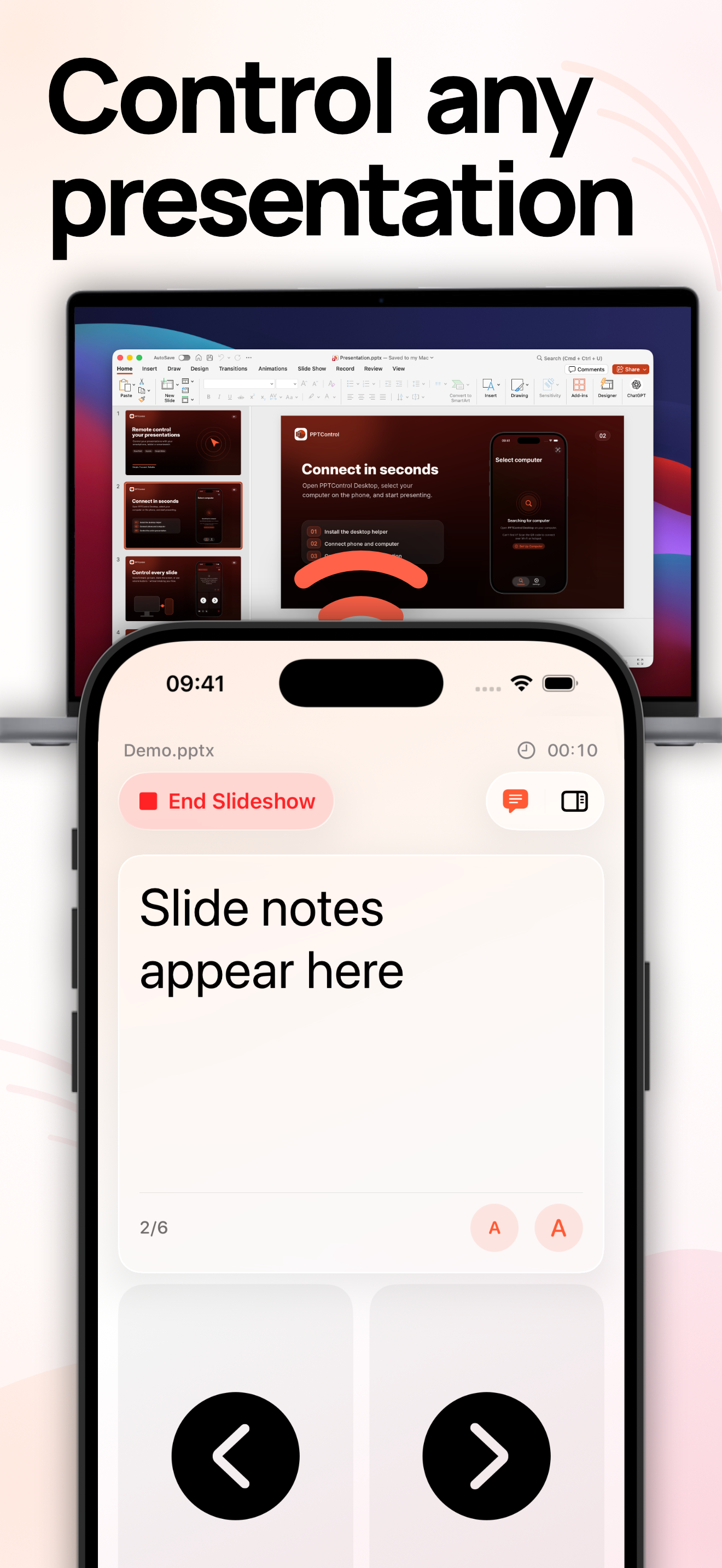
More than a simple clicker: Control PowerPoint, Keynote, and Google Slides on Mac or Windows from your iPhone, iPad, or Apple Watch. Keep your slides and speaker notes in view, highlight key points, and move freely around the room.
PRESENT WITH CONFIDENCE
• Move to the next or previous slide
• Start and end presentations
• Black or white out the presentation screen
• Present directly from your Apple Watch
STAY ONE STEP AHEAD WITH PRO
• Preview slides and jump directly to any slide
• View speaker notes while presenting
• Control the cursor and use it as a laser pointer
• Change slides with the volume buttons on your iPhone or iPad — without looking down
No account required. PPTControl does not upload your presentation files and includes no ads or tracking.
COMPATIBILITY
• Microsoft PowerPoint on Windows and macOS
• Apple Keynote on macOS
• Google Slides on Windows and macOS
• iPhone, iPad, and Apple Watch
Speaker notes and slide previews are only available for supported PowerPoint and Keynote presentations. Apple Watch control works through the connected iPhone.
GET STARTED
1. Download and open the PPTControl Desktop app on your Mac or Windows PC at https://pptcontrol.app.
2. Open PPTControl on your iPhone or iPad and select your computer or scan the pairing qr code.
3. Confirm the connection on your computer and start presenting.
PPTControl has been downloaded more than 250,000 times worldwide.
Privacy: https://pptcontrol.app/privacy
Terms: https://pptcontrol.app/terms
ストアランキング
ストアランキングは、GoogleとAppleが設定した複数のパラメータに基づいています。
業界別 ウェブサイトカテゴリーで
米国--
ユーティリティで
米国--


 PPTControl VS.
 8月 18, 2026