

MindSpace - Mind Map 앱 분석 (10월 21일)

MindSpace - Mind Map
- 佳文 潘
- Apple App Store
- 무료
- 생산성
Quickly create clean and simple mind maps.
Edit them on Mac, iPad, and iPhone. Export anytime to PDF, Images, Markdown, and other formats to share in your work and studies.
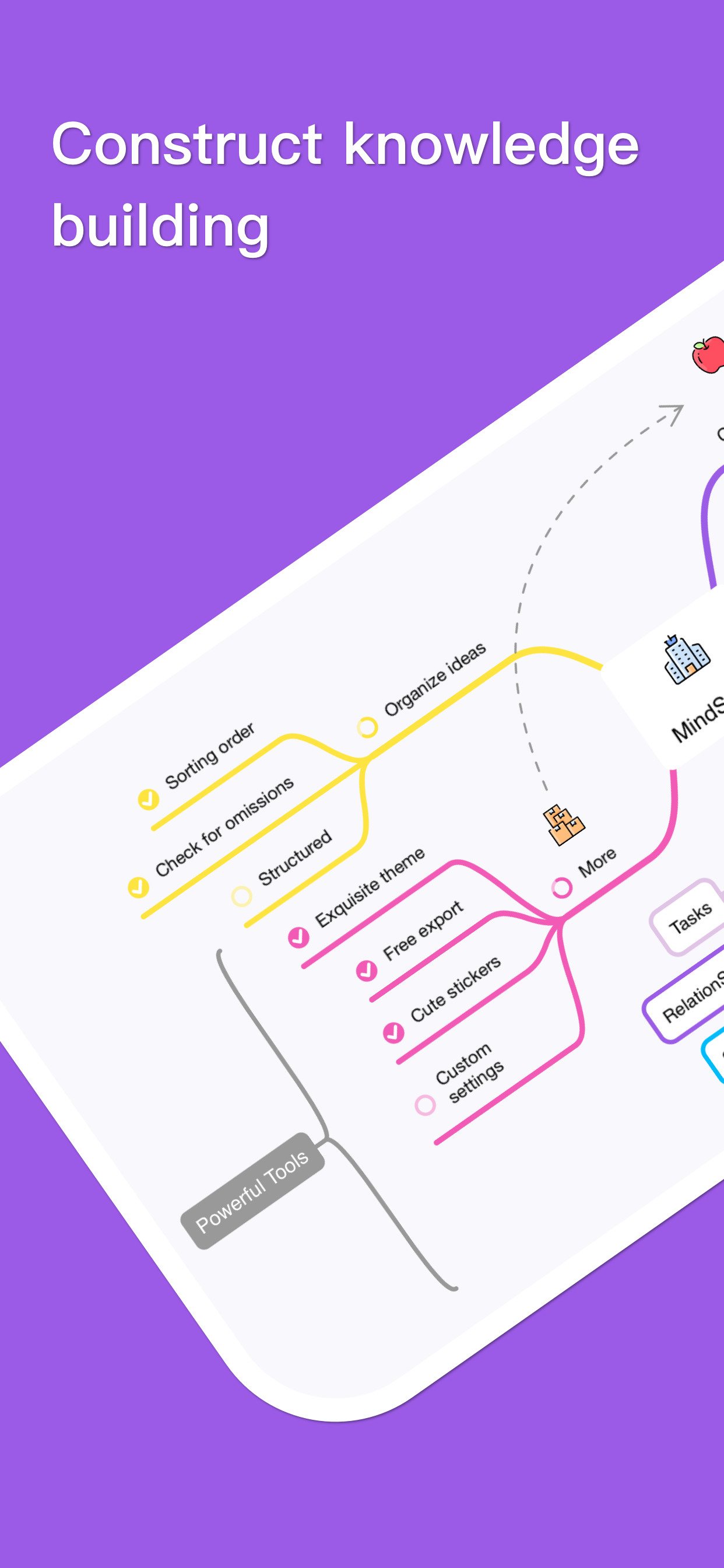
Quickly Create Personalized Mind Maps
• Efficiency: We split "Themes" into "Layouts" and "Color Schemes", carefully designing over 50 layouts and 60 color schemes. They support one-tap switching and can be freely combined into multiple styles.
• Personalization: You can create your own layouts and color schemes, presetting almost all formatting options such as growth direction, width, spacing, structure, shapes, and the color of each individual branch.
• Freedom: You can set different layouts for two separate mind maps, or even different layouts for different branches to form a hybrid structure mind map to present your content. You can also set it to "Manual Layout" to flexibly place every single node.
Enrich Your Mind Maps in Multiple Ways
• Notes: Add a place for supplementary information with support for quick viewing.
• Links: Add a web link or local link. Local links can specify and jump to concrete nodes within the file.
• Tasks: Add task buttons that can display progress checkboxes.
• Relationships: Add relationship lines between two nodes or internal positions within a node.
• Summaries: Add curly braces or polygon shapes for multiple nodes.
• Images: Insert local images and set their alignment with text.
• Drawings: Drawings made with Apple Pencil can also be inserted inside nodes.
• Equations: Support adding LaTeX equations and modifying them at any time.
• Stickers: Built-in with more than 1,000 beautiful stickers.
AI Assistant Doubles Your Efficiency (Optional)
• Expand: Enter an idea to quickly branch out content from different angles.
• Convert: Transform a long article into a clearly structured mind map.
• Image to Mind Map: Convert images containing text into a mind map with the matching structure.
• Rewrite: Re-output much better text for a specified node.
Mainstream Import & Export Formats
• Import: Supports Markdown, OPML, TXT, FreeMind, iThoughts, etc.
• Export: Supports PDF, JPG, PNG, TXT, Markdown, OPML, etc.
More Convenient Features
• Outline: One-tap toggle to outline mode, or start editing and arranging structures directly from the outline view.
• Shortcuts: Provides a rich keyboard shortcut system that is fully customizable.
• Focus Mode: Light up only your selected node and its related nodes for seamless presentation work.
• Other Features: Canvas guides, widgets, auto-follow, and more.
Data Security
We build the App using the most safe and reliable architecture—a document-based editor. Your data belongs solely to you. The AI assistant only processes data you provide to it, and you can turn off AI globally.
Subscription Information
• You can subscribe to the "Pro" version monthly or annually.
• Payments will be charged to your iTunes Account. Subscriptions automatically renew unless auto-renew is turned off at least 24 hours before the end of the current billing period.
• Manage or cancel subscriptions anytime in your App Store Account Settings after purchase.
Email: todo-color@outlook.com
Terms of Use: https://www.apple.com/legal/internet-services/itunes/dev/stdeula/
Privacy Policy: https://rednowapp.github.io/privacy-policy/
스토어 순위
스토어 순위는 Google과 Apple이 설정한 여러 매개변수를 기반으로 합니다.
모든 카테고리 ·
미국--
생산성 ·
미국--


 MindSpace - Mind Map VS.
 10월 21, 2026