

Commerzbank photoTAN 앱 분석 (10월 6일)

Commerzbank photoTAN
- Commerzbank AG
- Apple App Store
- 무료
- 금융
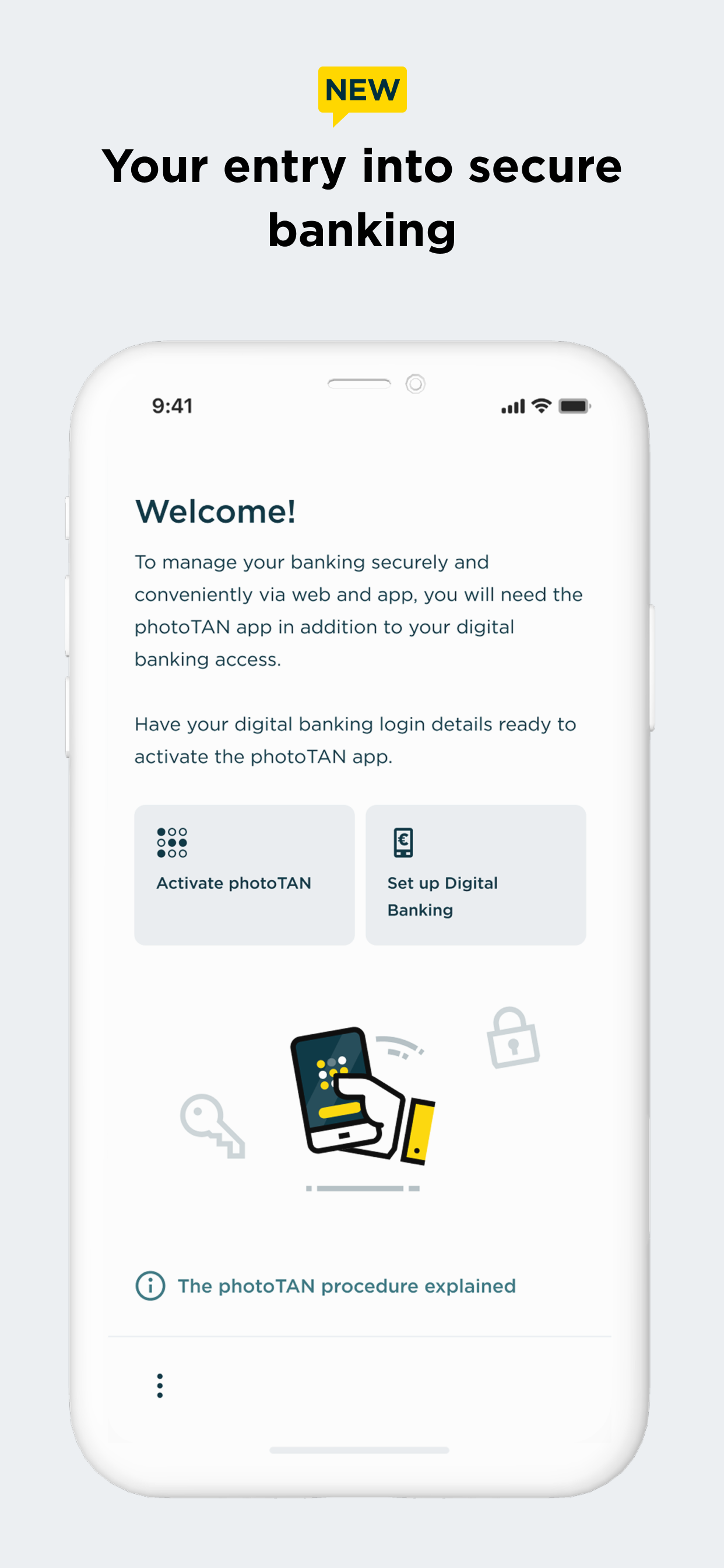
Commerzbank's new photoTAN app.
Receive push message, check order, approve - with the new photoTAN push function, you can approve orders quickly and securely with just one click. With the photoTAN scan function, you still have the option of scanning a photoTAN graphic to generate a TAN.
It is now possible to fully legitimize yourself from the comfort of your own home with the VideoIdent app. With our new feature, the digital first activation, you can after the legitimation with VideoIdent in the next 3 hours easily and quickly activate the photoTAN app with a code that you receive by SMS. This means you no longer have to wait for the activation graphic
The photoTAN app is our most innovative security method. The app offers the highest possible security through a modern and convenient TAN procedure - for all customers who use Commerzbank's online and / or mobile banking.
#######################
Hard-/software checks of your device: At runtime, we check known, security-relevant attack vectors (e.g. rooted/jailbreak, malicious apps, etc.) To do this, we need your consent.
If you do not agree to do such a security checks, we kindly ask you not to install our photoTAN app and instead to use our reading device to use the online banking offer on the Internet (https://www.commerzbank.de/). You can also revoke your consent at any time for the future by uninstalling our photoTAN app from your device.
#######################
What do I need the photoTAN app for?
The photoTAN app is one of our security factors. The photoTAN is an important part of every login and transaction in your online and mobile banking. It is used to verify the order data you have entered and to generate the transaction number (TAN).
How does photoTAN-Push work?
The push function of our new photoTAN app is particularly convenient. As soon as a new order is available for you to approve, we send you a notification to your smartphone when you use photoTAN-Push. When you then open the photoTAN app, the order to be approved is displayed directly for you to check. If the data displayed is correct, you release the order with just one click.
How does photoTAN scan work?
After placing an order in Online Banking, a mosaic-like colorful graphic appears on the monitor. You scan this with the photoTAN app. A TAN is displayed immediately. To check, you then see the essential details of your order again in the app. If everything is correct, simply enter the TAN on the computer and the order is confirmed.
By the way: With our mobile banking, you can make transfers even faster and easier than on your computer. To do this, use the free Commerzbank banking app!
The advantages of the new photoTAN app at a glance:
• Security: Commerzbank's most innovative TAN procedure.
• Uncomplicated: You receive a notification on your smartphone when a new order is ready for approval.
• Fast: You can approve orders with just one click.
• Free of charge: The use of photoTAN is free of charge for you.
• Mobile banking: Quick order approvals via the banking app using the App2App function.
• Offline usability: If your smartphone is offline, you can continue to approve orders easily with the scan function.
For more information on the new photoTAN process, visit http://www.commerzbanking.de/phototan.
스토어 순위
스토어 순위는 Google과 Apple이 설정한 여러 매개변수를 기반으로 합니다.
모든 카테고리 ·
독일--
금융 ·
독일#37


 Commerzbank photoTAN VS.
 10월 6, 2026