


10月6日 的 StarLight - PC Streaming 應用程式分析

StarLight - PC Streaming
- 健 耿
- Apple App Store
- 付費
- 公共設施
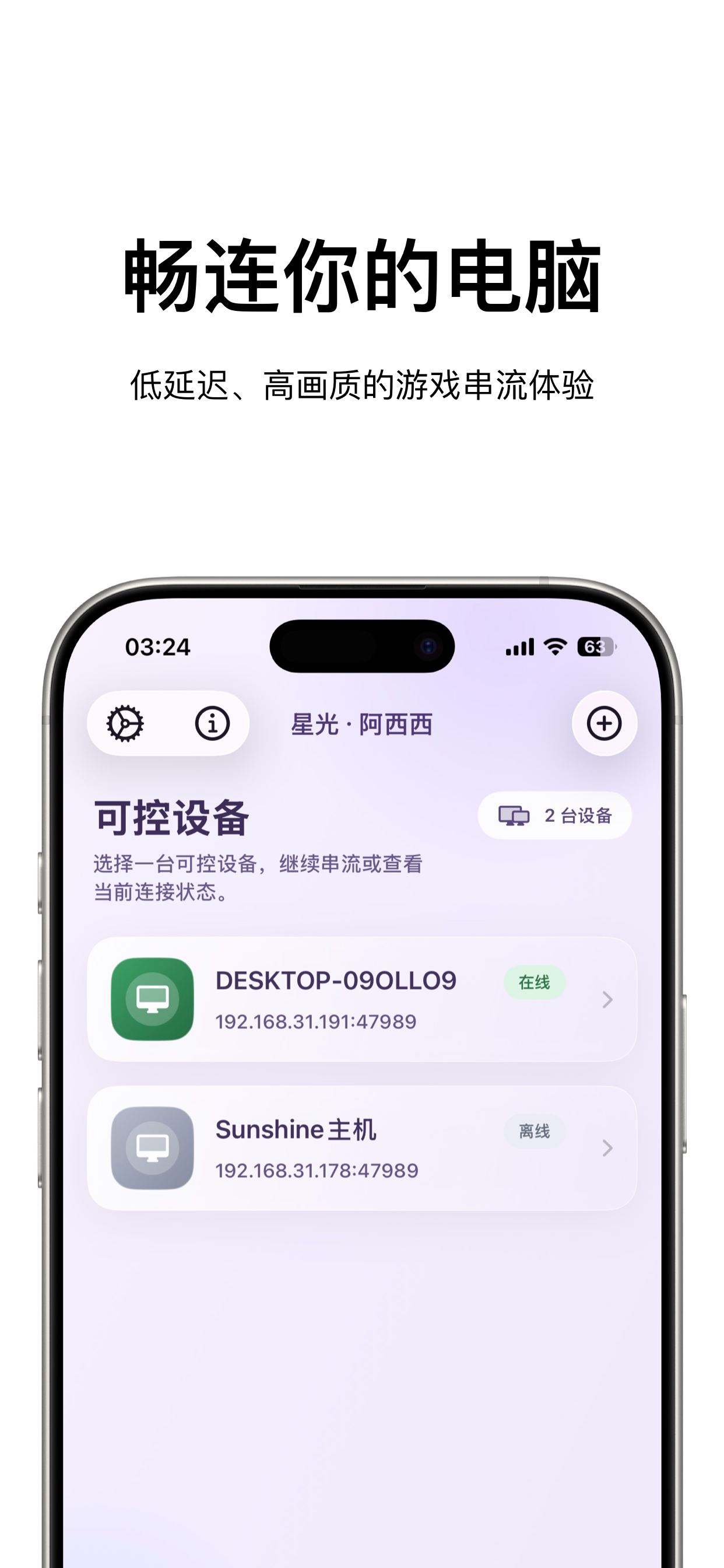
StarLight is a remote PC access and streaming utility designed for iPhone and iPad. It provides low-latency video streaming, Apple Pencil input, virtual controls, controller testing, and flexible display options.
Whether you want to control your desktop, access installed apps and games, or stream content between your own devices, StarLight provides a convenient and customizable experience.
Core Features
Remote PC Access
• Connect to and control your own PC
• View and interact with your desktop remotely
• Support for local and remote network connections
• High frame rates, multiple resolutions, and portrait or landscape streaming
• Suitable for remote desktop use, installed apps, games, and personal content
Video and Audio Enhancements
• High-performance Metal rendering
• MetalFX upscaling, sharpening, and multiple scaling modes
• HDR and multiple video codecs on supported devices
• Adjustable video alignment, safe area, and orientation
• Audio haptics that convert sound into tactile feedback
• Performance statistics for frame rate, latency, and network conditions
Apple Pencil and Touch
• Apple Pencil input support
• Follow Touch, Native Pen, and Mouse modes
• Native Pen mode for compatible drawing, design, and productivity apps
• Mouse mode turns Apple Pencil into a pointer
• Multi-touch, trackpad, and mouse control options
Virtual Controls and Gamepads
• Support for external game controllers
• Customizable on-screen buttons and virtual gamepads
• Adjustable joystick range, sensitivity, opacity, and margins
• Multiple controllers, motion input, and vibration feedback
• Backup, import, and restore virtual control layouts
Controller Testing
• Real-time controller button detection
• Test analog sticks, triggers, directional pads, and motion input
• Visualized input response
• Support for a wide range of game controllers
• Helps diagnose controller connection, input, and vibration issues
Common Uses
• Access your PC from an iPhone or iPad
• Remotely use apps, games, and personal content installed on your PC
• Use Apple Pencil with compatible drawing and productivity software
• Connect to a home or office PC over a local network
• Access your own device while away from home
• Test controller buttons, sticks, triggers, and input behavior
Compatible host software must be configured on your own PC before use. Video quality, latency, and feature availability depend on your host performance, network conditions, and device capabilities.
StarLight does not sell or provide digital content, games, or in-app game items. It is intended only for remotely accessing and controlling PCs owned or managed by the user.
商店排名
商店排名基於Google和Apple設定的多個參數。
所有類別 在
美國--
公共設施 在
美國#156


 StarLight - PC Streaming VS.
 10月 6, 2026