


10月23日的Pad Code AI: Code Editor & IDE应用程序分析

Pad Code AI: Code Editor & IDE
- Hung Tien Pham
- Apple 应用商店
- 免费
- 开发者工具
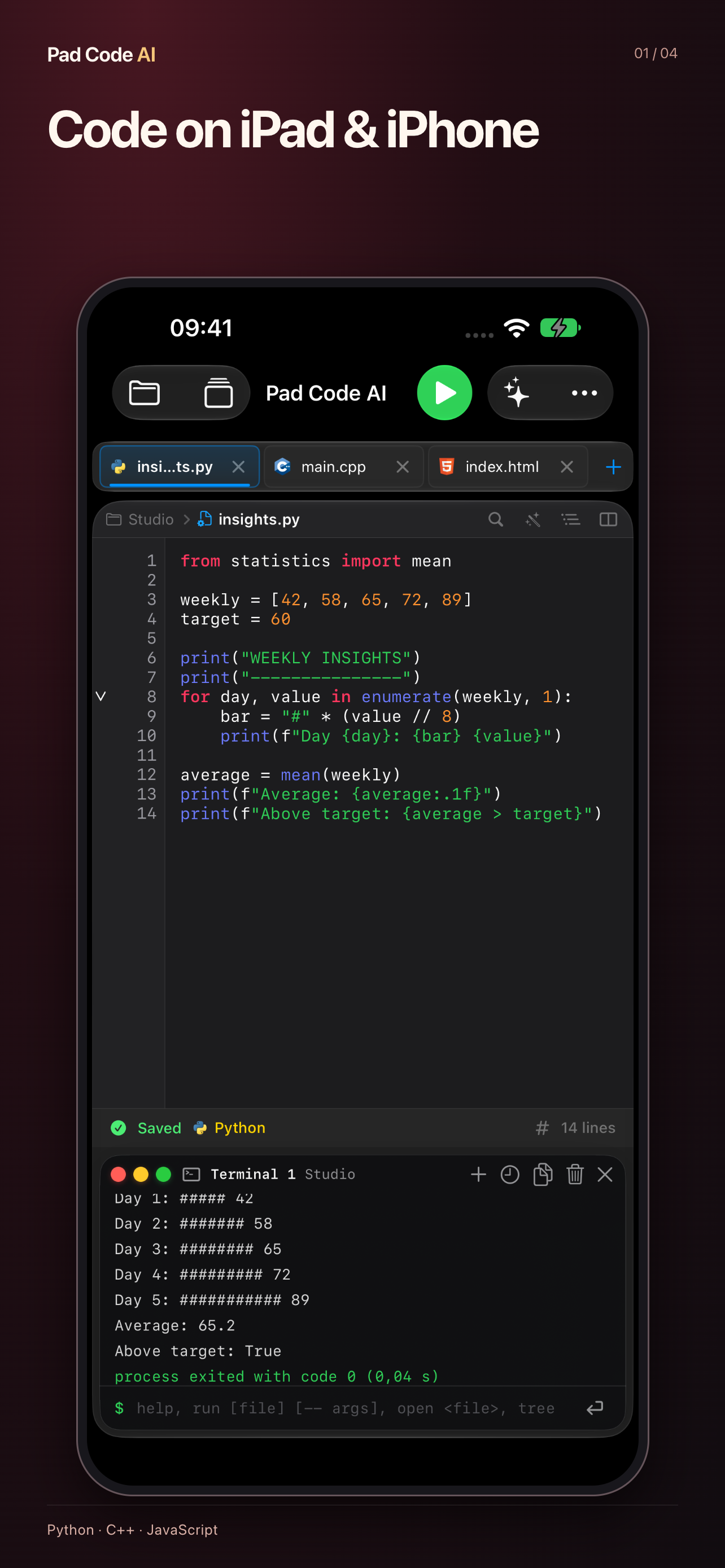
Turn ideas into working code on iPad and iPhone. Pad Code AI brings an editor, local code runners, a terminal and project tools into one workspace.
WRITE AND RUN
Run C, C++, Python, JavaScript, TypeScript, Ruby, PHP, Lua and SQLite queries on your device with bundled compilers and interpreters. Use interactive input, command-line arguments and project files. Preview HTML and CSS projects. Language and library support depends on the included runtime.
EDIT AND ORGANIZE
Work with syntax highlighting, find in files, individual-file replacement, code folding and snippets. Open project folders through Files, manage multiple files, review Git changes, commit and push, and export projects as ZIP.
SMARTER EDITING AND GIT SYNC
Code completion suggests keywords, types and names from your file as you type, and works with VoiceOver. Pull changes from GitHub: edits made on both sides are merged line by line, and overlapping lines are marked for you to choose. Your projects also appear in the Files app.
AI, WHEN YOU WANT IT
Ask for explanations, refactoring ideas, tests or fixes. Review suggested changes before applying them. On-device AI requires a compatible system and device with Apple Intelligence enabled. Optional third-party AI requires your own credentials and an internet connection; availability varies by region. You choose what context to share.
LEARN AND BUILD ANYWHERE
Practice programming, try small scripts and develop project ideas. Local code execution works offline; Git network operations and remote AI require internet access. The interface is available in 20 languages.
Support: https://phamhungtien.com/PadCodeAI
PREVIEW SUPPORT
Preview HTML, CSS and browser JavaScript with WebKit. Swift/SwiftUI, Metal and native OpenGL visual previews are not supported. Swift and other unsupported languages are editing-only.
WORKSPACE AGENT
With a compatible configured provider, the optional Workspace Agent can inspect code, create and edit text files, rename or delete files, and run supported code inside the project you open. Agent Changes shows saved changes, before/after diffs and Undo. The app checks for intervening edits before writing or restoring. You explicitly enable access and choose what context to share. Provider credentials are your own; multi-step requests may incur additional provider charges. This is a bounded project workflow, not an unrestricted system shell or package installer.
商店排名
商店排名基于 Google 和 Apple 设置的多个参数。
所有品类在
美国--
开发者工具在
美国--


 Pad Code AI: Code Editor & IDE VS.
 十月 23, 2026