


10月6日的ArcGIS Survey123应用程序分析

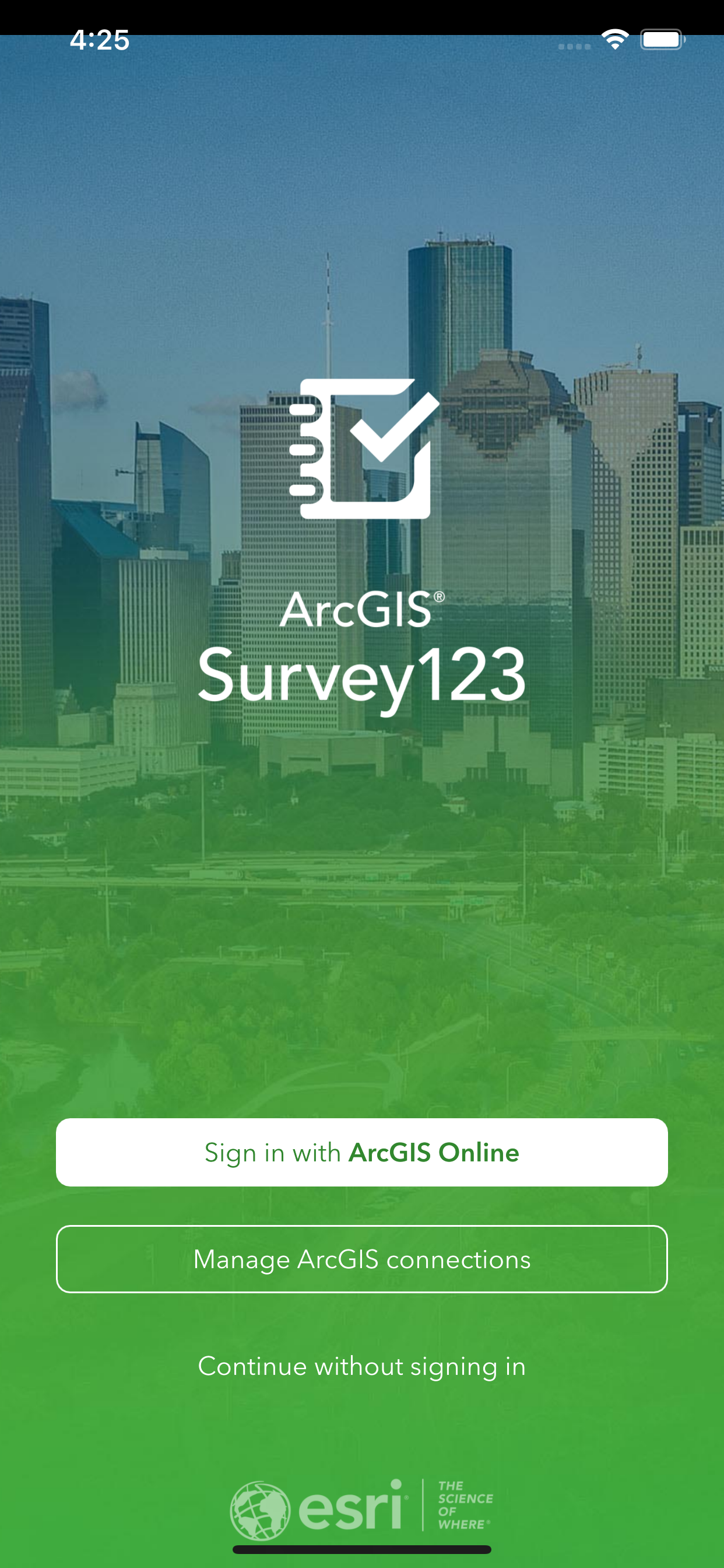
ArcGIS Survey123
- ESRI
- Apple 应用商店
- 免费
- 公共事业
Smart forms and surveys for digital data collection.
ArcGIS Survey123 helps mobile workers collect field data with speed and precision. Capture location-aware survey responses anytime, anywhere—even offline—and sync seamlessly with your ArcGIS platform for real-time analysis and decision-making. From gathering public feedback to conducting inspections or documenting field conditions, Survey123 helps ensure data capture is efficient and reliable.
ArcGIS is available on your desktop, in a browser, and on smartphones or tablets. Survey123 is Esri's form-centric app on mobile devices.
Note: Survey123 is designed for organizational use. This app requires you have an ArcGIS organizational account to collect and update data. Public surveys shared by organizations can be accessed without sign in for crowd sourcing or citizen science purposes.
Collect and submit data with precision:
- Capture data using a wide variety of question types including text, map, choice lists, dates, photos, signatures, and barcodes.
- Collect data online or offline and sync when connected.
- Capture location information using device GPS.
- Use maps in surveys to select points.
- Apply skip logic, calculations, and data validation to ensure high-quality responses.
- Attach photos and audio to survey responses.
- Create multilingual surveys.
Work securely with your organization:
- Securely connect to your ArcGIS Online or ArcGIS Enterprise organization.
- Submit surveys to trigger feature service webhooks that automate downstream workflows.
Collaborate and analyze results:
- Access and complete publicly shared surveys in the field without needing to sign in, allowing you to provide feedback or contribute data for crowd sourcing projects.
- Integrate data submitted from the Survey123 field app with ArcGIS Dashboards, ArcGIS Experience Builder, and other ArcGIS solutions to enhance visualization and analysis.
- Submit reliable survey data to support professional reports, which can be generated using customizable report templates on the Survey123 website.
- Submit survey data in the field to make it available for export in formats such as CSV, Excel, shapefile, or file geodatabase through the Survey123 website, ArcGIS Online or ArcGIS Enterprise.
商店排名
商店排名基于 Google 和 Apple 设置的多个参数。
所有品类在
美国--
公共事业在
美国--


 ArcGIS Survey123 VS.
 十月 6, 2026