

You’ve hit your search limit
Start your free trial to keep exploring full traffic and performance insights.
Get StartedAnálisis de la app ShadowTerm ssh & mosh Terminal para 6 de octubre

ShadowTerm ssh & mosh Terminal
- Carlos Savcic
- App Store de Apple
- Gratis
- Herramientas para desarrolladores
ShadowTerm is a full-featured SSH and Mosh terminal for iPhone and iPad. Keep tmux and herdr alive across networks, with a desktop-quality terminal and keyboards built for the job.
KEY FEATURES
Connections that survive
- SSH with passwords and keys. Secure Enclave keys sign with Face ID and never leave the device
- Jump hosts (Connect Via), one hop. Mosh does not run through a jump
- Mosh survives network drops, backgrounding, and sleep
- Local and remote port forwarding. SSH agent forwarding (SSH only), confirmed each use
- Auto-connect and geofence auto-connect. Background monitoring, notifications, and Live Activities
- Handoff a saved host to another Apple device
- Picture in Picture. Stopping it does not disconnect
Terminal
- 256-color support
- tmux, GNU screen, and herdr, detected automatically
- Mouse mode: tap to left-click, long-press to right-click, scroll to navigate. Mouse off: long-press or double-tap to paste
- Tap a path to open that file. A wrapped link opens as one URL
- Multi-window on iPad: Terminal, Files, Monitor, Markdown, or Text Editor
- App themes include Sci-Fi, Glass, Midnight, Matrix, and more. Glass chrome is transparent. The terminal stays solid
- Terminal colors include Dracula, Nord, Gruvbox, Solarized, Monokai, and others
- Pinch-to-zoom. Disconnect All from Control Center
Keyboards
- 15 layouts: Tmux, Herdr, Screen, Files, OpenCode, Productivity, DevOps, Git, Kubernetes, Python, Node.js, macOS, Database, Security, Terminal Classic
- Editable keys, snippets, and sticky modifiers. Auto-switch per process. Mic voice entry
Files
- SFTP with multi-select and bulk copy, move, and delete. Paste a screenshot or file to upload it
- Dual-pane copy between hosts, and Files app access (Premium)
- Editor with syntax highlighting. Markdown preview, including Mermaid. Startup snippets per host
AI, on your keys
- OpenAI, Anthropic, Gemini, Grok, Ollama, OpenRouter, or any OpenAI-compatible server
- Blocks fork bombs, rm -rf /, and similar patterns on the device
- Inline assistant in the editor
Hermes, T3, and agents
- Hermes for your own hermes-webui: sessions, chat, Tasks, Kanban, and skills. Console layout, voice listen, and read-aloud. Scheduled tasks notify you when you are away
- T3 for a self-hosted T3 Code server: chat, plan, implement, a branch picker, and photo attachments
- AI Agents for herdr and tmux. A pane is a full terminal. Claude Code, questions, and Hermes actions share one approval card. Face ID can be required to approve
- Your own ntfy server. Many channels. Link a host to a channel
- Approve or deny Claude Code from the phone, including always-allow and accept-edits. Session templates for repeatable workflows
- MCP server (Premium): open sessions, run commands, read output, and check hosts. Risky commands stay approval-gated, with per-host always-allow. Siri and Shortcuts. Agents can edit your keyboards over MCP
Monitor
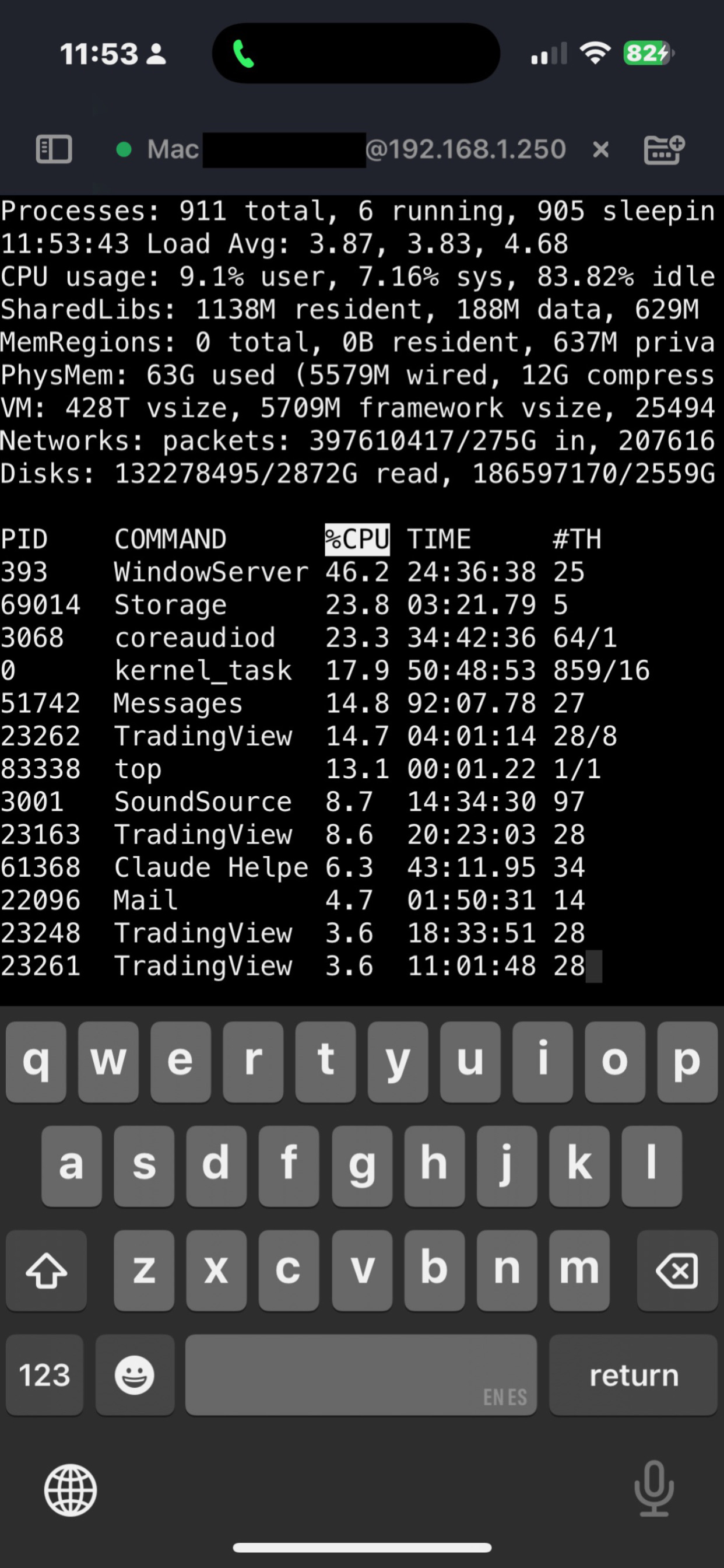
- CPU, memory, network, filesystem, disk I/O, and Nvidia GPU when present
- Ping, port scan, DNS, TLS probe, Wake-on-LAN, Bonjour, and SSH preflight
Also
- Snippets with variables, including secrets. Widgets for hosts and AI Agents: Lock Screen, StandBy, CarPlay, and Control Center
- Searchable Settings. Universal clipboard sync. Demo Privacy Mode scrambles the terminal while you record. Face ID to turn it off
- iCloud sync for machines, identities, snippets, port forwards, keyboards, and settings. Credentials in the Keychain
- Your API keys, or fully local with Ollama. No telemetry, no analytics, no data collection
ShadowTerm is built by a developer who lives in tmux on iPad. If mobile SSH apps disconnect, lose your prompt, or feel cramped, this one will feel different. mosh ;)
Terms of Use (EULA):
https://www.apple.com/legal/internet-services/itunes/dev/stdeula/
Privacy Policy:
https://shadowterm.app/privacy
Clasificación de tiendas
El Store Rank se basa en múltiples parámetros establecidos por Google y Apple.
Todas las categorías en
Estados Unidos--
Herramientas para desarrolladores en
Estados Unidos--
Principales competidores & aplicaciones alternativas
Aplicaciones con una alta probabilidad de ser utilizadas por los mismos usuarios, desde la misma tienda.

Network Scanner: Scan LAN IPs

Conduit: SSH, Mosh & SFTP

SSHHIP - Modern SSH Client

CFPanel
 ShadowTerm ssh & mosh Terminal VS.
 octubre 6, 2026